How to use the control button
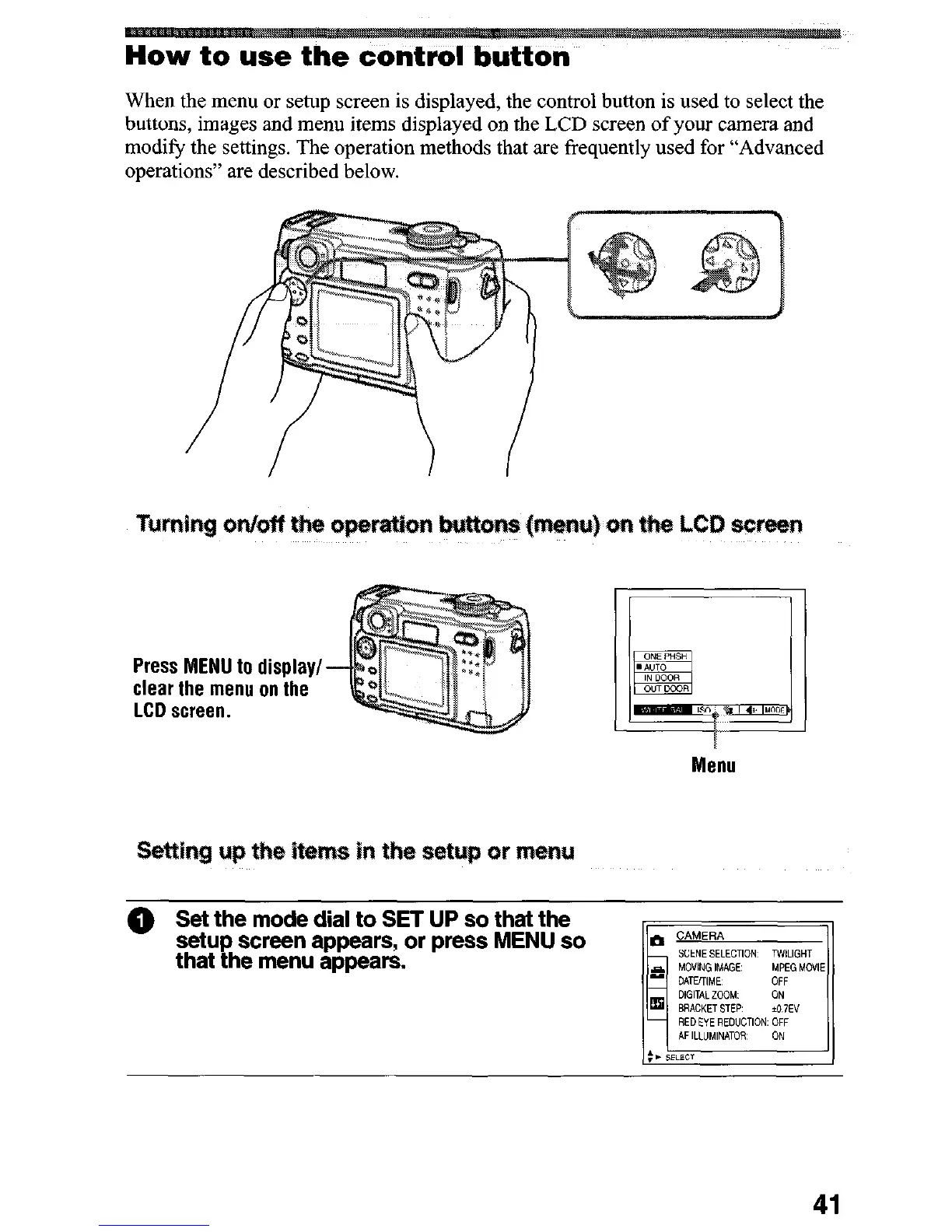
When the menu or setup screen is displayed, the control button is used to select the
buttons, images and menu items displayed on the LCD screen of your camera and
modify the settings. The operation methods that are frequently used for “Advanced
operations” are described below.
Press MENU to display/
clear the menu on the
LCD screen.
Menu
@ Set the mode dial to SET UP so that the
setup screen appears, or press MENU so
that the menu appears.











 To Next Page