To shoot in one-push white
balance mode
@ Select [ONE PUSH]. The fi
indicator appears.
@ Shoot a white object such as paper
full under the same situation you
will shoot.
@ Press A.
The fi indicator flashes quickly.
When the white balance has been
adjusted and stored in the memory,
the indicator stops flashing.
To reactivate auto adjustment
Select [AUTO] with A/I in step 3.
Notes
l The fi indicator means:
Slow flashing: white balance is not set or
was not able to be set.
Quick flashing: white balance is being
adjusted (after you pressed A).
Lit steady: white balance has been set.
l If the &!A indicator keeps flashing even
when you press A, record in automatic
white balance mode.
rips
The image is susceptible to lighting
:onditions. The image looks blue under
xmlight in the summer, and looks red
mder mercury lamps. Human eyes can
.esolve these problems. However, the
:amera cannot resolve the
problem
without making adjustments. Normally,
he camera adjusts it automatically, but, if
be image appears in strange colors, we
-ecommend that you change the white
valance mode.
Enjoying picture
effects (P. EFFECT)
Mode dial: ~/S/A/M/SC~
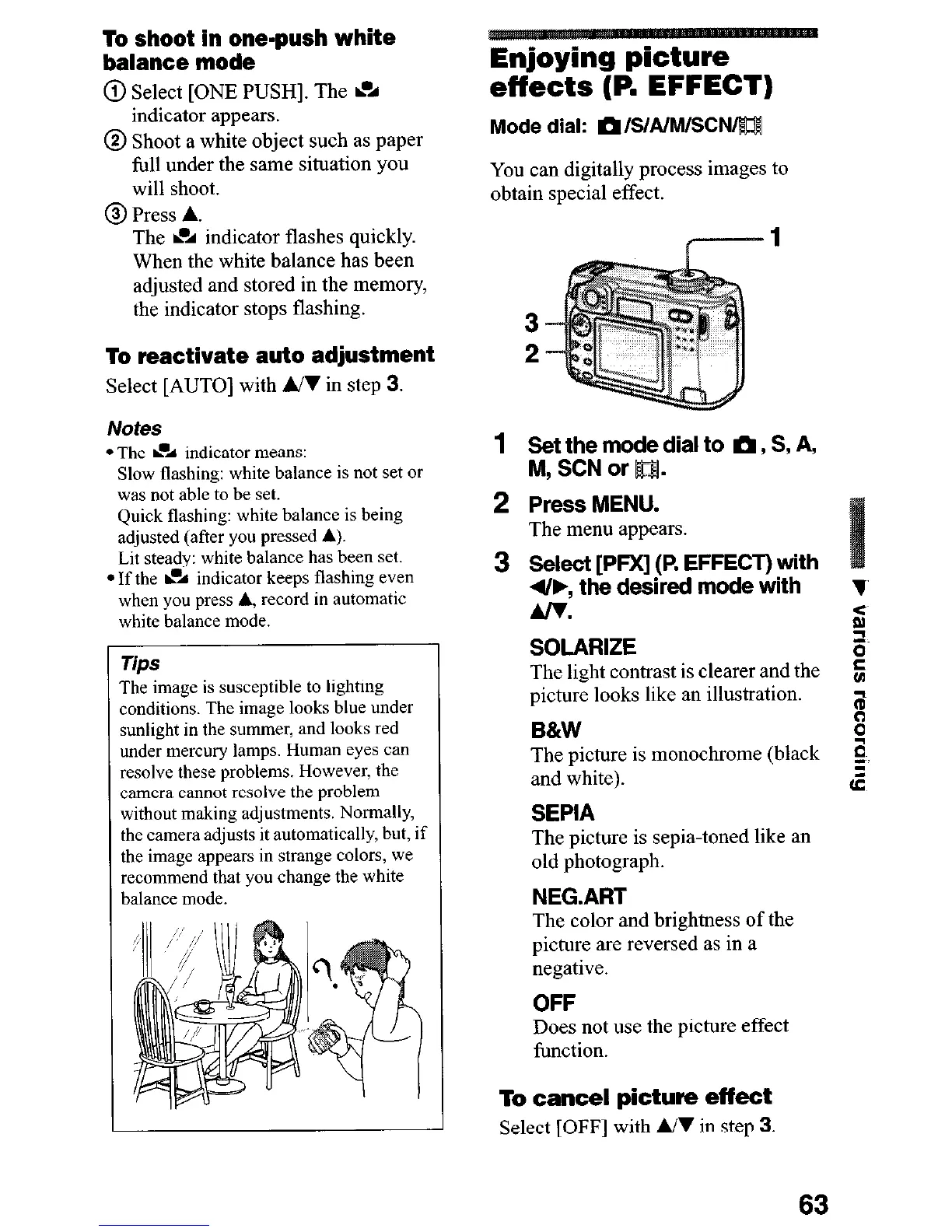
You can digitally process images to
obtain special effect.
1 p;rNtnT; dial to m, S, A,
,
2 Press MENU.
The menu appears.
3
Select [PFX] (P. EFFECT) with
4/b, the desired mode with
Alv.
SOLARIZE
The light contrast is clearer and the
picture looks like an illustration.
B&W
The picture is monochrome (black
and white).
SEPIA
The picture is sepia-toned like an
old photograph.
NEG.ART
The color and brightness of the
picture are reversed as in a
negative.
OFF
Does not use the picture effect
function.
To cancel picture effect
Select [OFF] with A/I in step 3.
63











 To Next Page