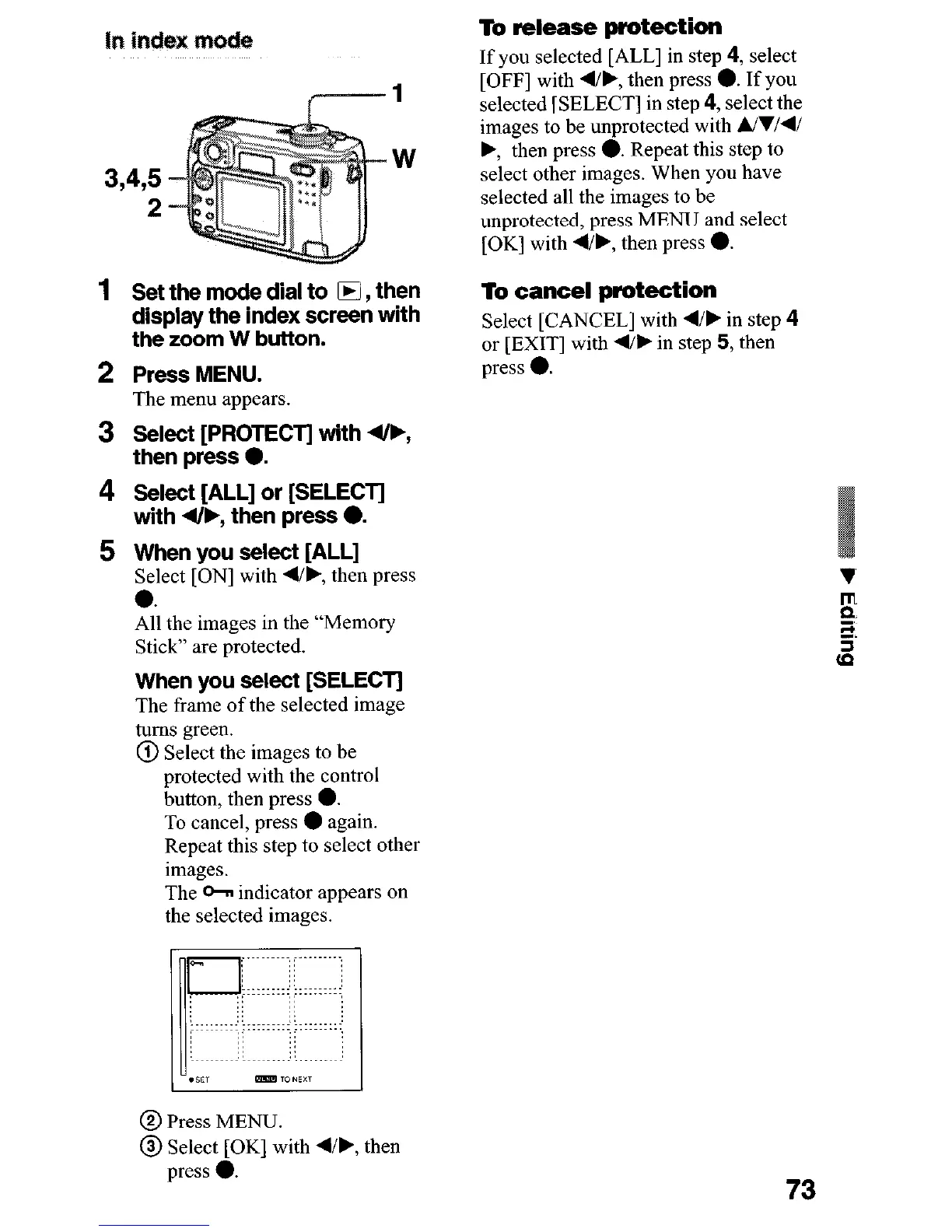
In
‘indeBt mode
W
3,495
2
1
Set the mode dial to IH , then
display the index screen with
the zoom W button.
2 Press MENU.
The menu appears.
3
Select [PROTECT] with 4/F,
then press 0.
4 Select [ALL] or [SELECT]
with 4/F, then press 0.
5 When you select [ALL]
Select [ON] with 4/b, then press
0.
All the images in the “Memory
Stick” are protected.
When you select [SELECT]
The frame of the selected image
turns green.
@ Select the images to be
protected with the control
button, then press 0.
To cancel, press
l
again.
Repeat this step to select other
images.
The 0~ indicator appears on
the selected images.
To release protection
If you selected [ALL] in step 4, select
[OFF] with 4/b, then press 0. If you
selected [SELECT] in step 4, select the
images to be unprotected with &l/d/
., then press 0. Repeat this step to
select other images. When you have
selected all the images to be
unprotected, press MENU and select
[OK] with q/b, then press 0.
To cancel protection
Select [CANCEL] with 4/b in step 4
or [EXIT] with 4/b in step 5, then
press 0.
@ Press MENU.
@ Select [OK] with 4/b, then
press 0.
73











 To Next Page