introduction
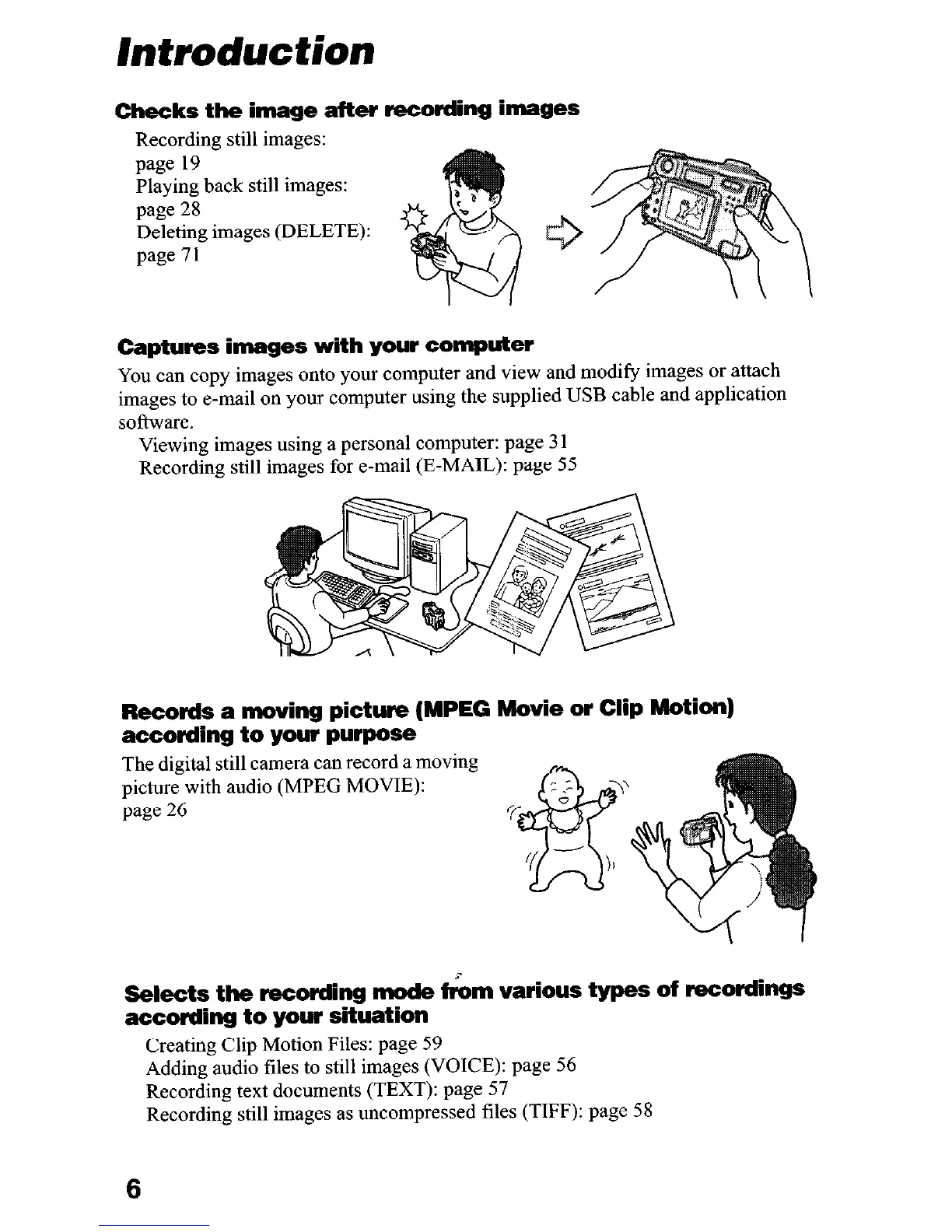
Checks the image after recording images
Recording still images:
page 19
Playing back still images:
page 28
Deleting images (DELETE):
page 11
Captures images with your computer
You can copy images onto your computer and view and modify images or attach
images to e-mail on your computer using the supplied USB cable and application
software.
Viewing images using a personal computer: page 3 1
Recording still images for e-mail (E-MAIL): page 55
Records a moving picture (MPEG Movie or Clip Motion)
according to your purpose
The digital still camera can record a moving
picture with audio (MPEG MOVIE):
page 26
Selects the recording mode f&n various types of recordings
according to your situation
Creating Clip Motion Files: page 59
Adding audio files to still images (VOICE): page 56
Recording text documents (TEXT): page 57
Recording still images as uncompressed ‘riles (TIFF): page 58
6











 To Next Page