EasyManua.ls Logo

Sony EV-C100 - Playback & Recording Aids

Sony EV-C100
28 pages
Print Icon
To Next Page IconTo Next Page
To Previous Page IconTo Previous Page
Loading...
Notes
*
When
connecting
twa
VCRs.
do
not
connect
them
so
that
both
VCRs
are
used
as
a
recording
VCR
and
a
playback
VCR
simultaneously.
Doing
so
may
cause
a
humming
noise
+
If
your
recording
VCR
is
a
monaural
unit,
make
connections
using
the
VMC-910HG/920HG
cable
(not
supplied)
+
tyour
recording
VCR
is
equipped
with
the
S
VIDEO
input
connector.
you
can use
the
S
VIDEO
connecting
cable
(supplied)
to
connect
to
the
LINE
OUT
S
VIDEO
connector
on
the
VOR
This
VCR
(Playback
VCR)
Other
VCR
(Recording
VCR
26
Editing
Editing
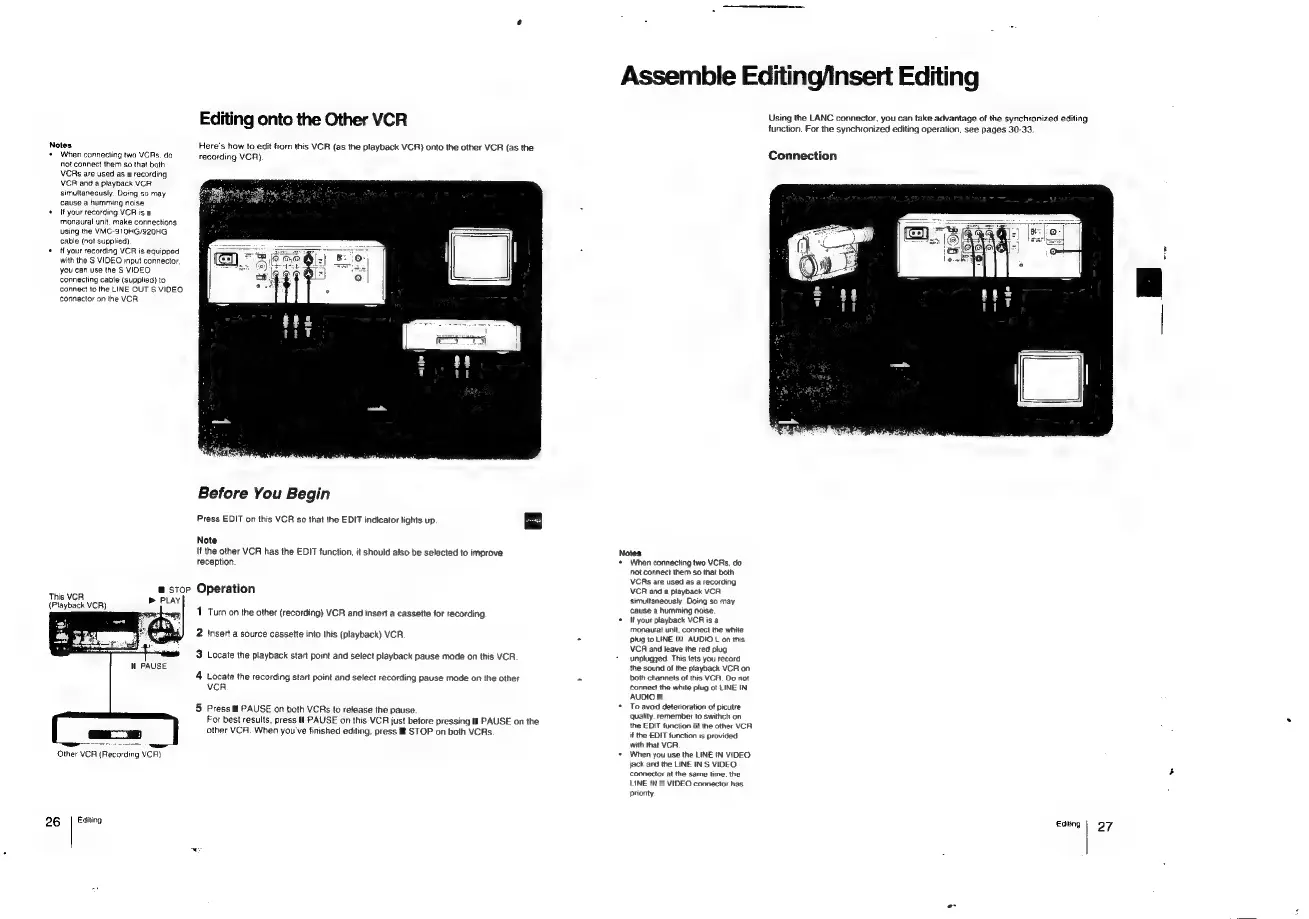
onto
the
Other
VCR
Here's
how
to
edit
from
this
VCR
(as
the
playback
VCR}
onto
the
other
VCR
(as
the
recording
VCR).
Before
You
Begin
Press
EDIT
on
this
VCR
so
that
the
EDIT
indicator
lights
up
au]
Note
If
the
other
VCR
has
the
EDIT
function,
it
should
also
be
selected
to
improve
reception.
a
stop
Operation
1
Turn
on
the
other
(recording)
VCR
and
insert
a
cassette
for
recording
2
insert
a
source
cassette
into
this
(playback)
VCR
3
Locate
the
playback
start
point
and
select
playback
pause
mode
on
this
VCR
4
Locate
the
recording
start
point
and
select
recording
pause
mode
on
the
other
VCR
5
Press
W
PAUSE
on
both
VCRs
to
release
the
pause.
For
best
results,
press
#
PAUSE
on
this
VCR
just
before
pressing
i!
PAUSE
on
the
other
VCR.
When
you've
finished
editing,
press
®
STOP
on
both
VCRs
Assemble
Editing/insert
Editing
Using
the
LANC
connector,
you
can
take
advantage
of
the
synchronized
editing
function.
For
the
synchronized
editing
operation,
see
pages
30-33.
Connection
Notes
*
When
connecting
two
VCRs,
do
not
connect
them
so
that
both
VCRs
are
used
as
a
recording
VCR
and
a
playback
VCR
simultaneously
Doing
so
may
cause
a
humming
noise.
*
It
your
playback
VCR
is
a
monaural
unit,
connect
the
white
plug
to
LINE
IN
AUDIO
L
on
this
VCR
and
leave
the
red
plug
unplugged.
This
lets
you
record
the
sound
of
the
playback
VCR
on
both
channels
of
this
VCR.
Do
not
Connect
the
white
plug
ot
LINE
IN,
AUDIO
R,
*
To
avoid
deterioration
of
picutre
quality.
remember
to
swithch
on
the
EDIT
function
of
the
other
VCR
if
the
EDIT
function
ts
provided
with
that
VCR
+
When
you
use
the
LINE
IN
VIDEO
jack
and
the
LINE
IN
S
VIDEO
connector
at
the
same
time.
the
LINE
IN
S
VIDEO
connector
has
prionty
Editing
|
O97

Related product manuals