EasyManua.ls Logo

Sony EV-S900 - Page 31

Sony EV-S900
60 pages
Print Icon
To Next Page IconTo Next Page
To Previous Page IconTo Previous Page
Loading...
0
Have
the
Unit
Tured
Off
Automatically
Sleep
Timer
_
You
can
set
the
unit
to
turn
off
automatically
during
recording
or
playback
after
a
certain
time,
up
to
5
hours,
in
steps
of
30
minutes.
Every
time
you
press
SLEEP,
the
recording/playback
duration
will
change
as
follows:
0:30
(To
turn
off
30
min.
later)
>
1:00
(1
hr).
>
5:00
@
hrs.)
Current
time
display
Operation
ME
*
Make
sure
the
clock
is
set
correctly.
4
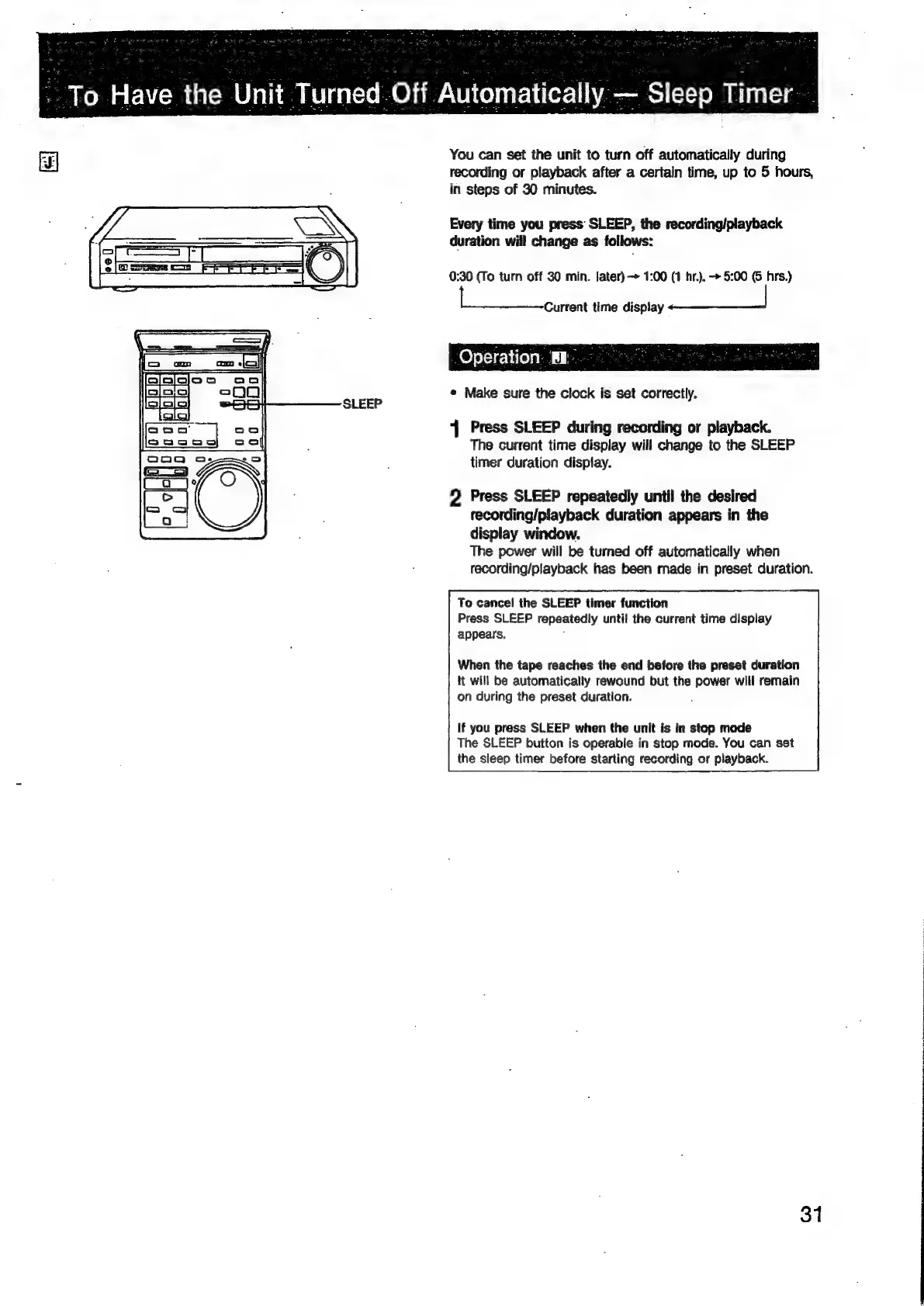
Press
SLEEP
during
recording
or
playback.
The
current
time
display
will
change
to
the
SLEEP
timer
duration
display.
2
Press
SLEEP
repeatedly
until
the
desired
recording/playback
duration
appears
in
the
display
window.
The
power
will
be
turned
off
automatically
when
recording/playback
has
been
made
in
preset
duration.
To
cancel
the
SLEEP
timer
function
Press
SLEEP
repeatedly
until
the
current
time
display
appears.
:
When
the
tape
reaches
the
end
before
the
preset
duration
tt
will
be
automatically
rewound
but
the
power
will
remain
on
during
the
preset
duration.
:
If
you
press
SLEEP
when
the
unit
is
in
stop
mode
The
SLEEP
button
is
operable
in
stop
mode.
You
can
set
the
sleep
timer
before
starting
recording
or
playback.
31

Related product manuals