EasyManua.ls Logo

Sony EV-S900 - Index Scan Operation

Sony EV-S900
60 pages
Print Icon
To Next Page IconTo Next Page
To Previous Page IconTo Previous Page
Loading...
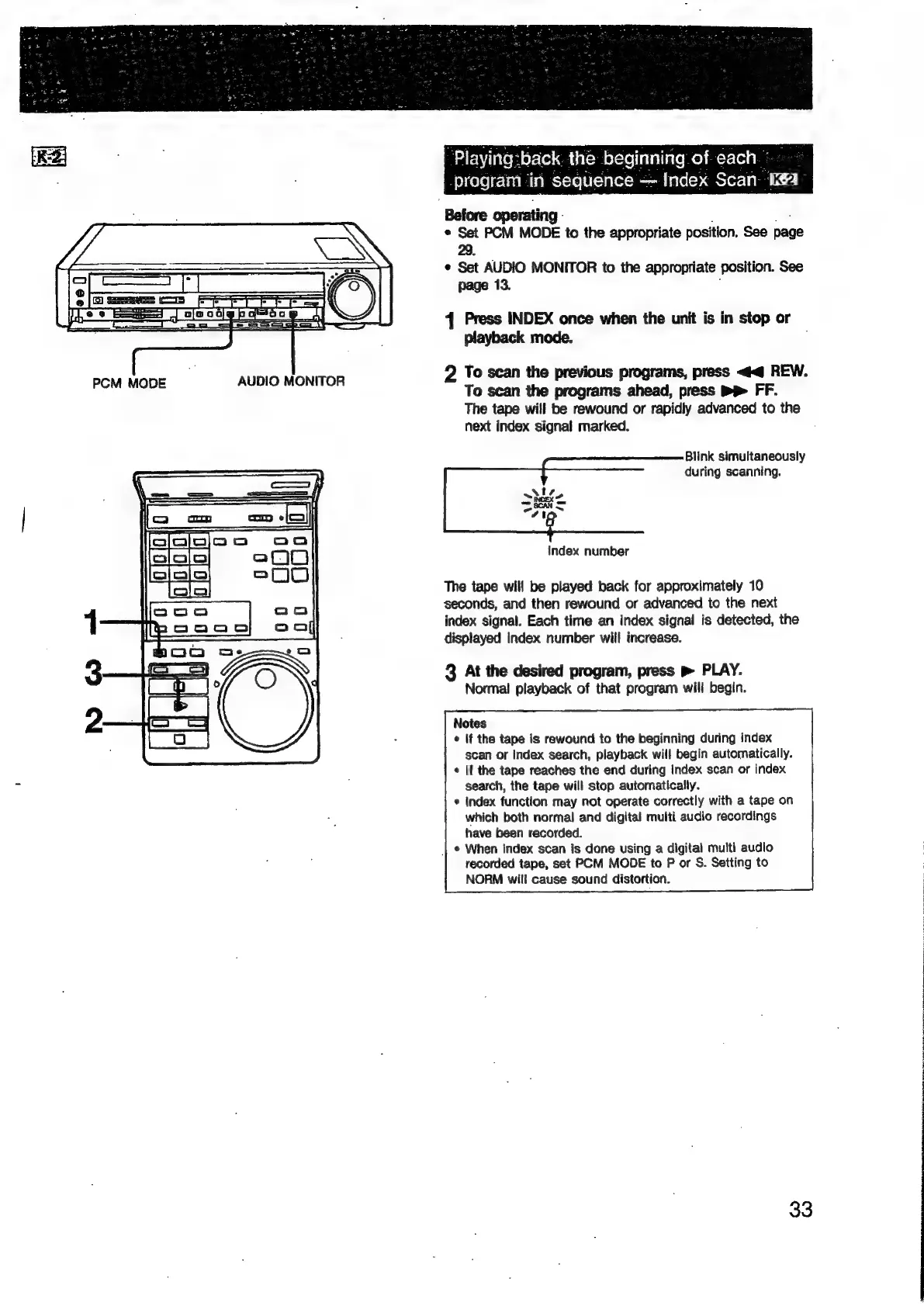
PCM
MODE
AUDIO
MONITOR
sack.
the
beginning
of-each
°
program
in
sequence
~
Index
Scan.
cea:
Before
operating.
*
Set
PCM
MODE
to
the
appropriate
position,
See
page
29.
¢
Set
AUDIO
MONITOR
to
the
appropriate
position.
See
page
13.
4
Press
INDEX
once
when
the
unit
is
in
stop
or
playback
mode.
2
To
scan
the
previous
programs,
press
<4
REW.
To
scan
the
programs
ahead,
press
PP
FF.
The
tape
will
be
rewound
or
rapidly
advanced
to
the
next
index
signal
marked.
Blink
simultaneously
during
scanning.
index
number
The
tape
will
be
played
back
for
approximately
10
seconds,
and
then
rewound
or
advanced
to
the
next
index
signal.
Each
time
an
index
signal
is
detected,
the
displayed
index
number
will
increase.
3
At
the
desired
program,
press
»
PLAY.
Normal
playback
of
that
program
will
begin.
Notes
¢
If
the
tape
is
rewound
to
the
beginning
during
index
scan
or
index
search,
playback
will
begin
automatically.
¢
If
the
tape
reaches
the
end
during
index
scan
or
index
search,
the
tape
will
stop
aufomatically.
*
Index
function
may
not
operate
correctly
with
a
tape
on
which
both
normal
and
digital
multi
audio
recordings
have
been
recorded.
|
©
When
index
scan
is
done
using
a
digital
multi
audio
recorded
tape,
set
PCM
MODE
to
P
or
S.
Setting
to
NORM
will
cause
sound
distortion.
33
agian

Related product manuals