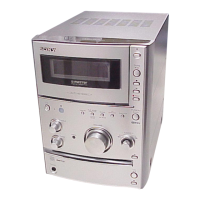
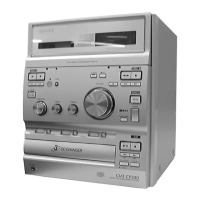
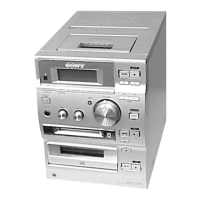
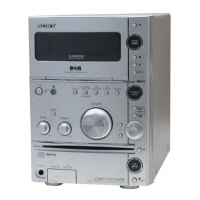
HCD-CP101
13
Note: Confirm each contents of this section first of all. If the results are
not satisfied, do the adjustment.
1. The adjustments should be performed with the rated power
supply voltage unless otherwise noted.
2. The adjustments should be performed in the order given in this
service manual. (As a general rule, playback circuit adjustment
should be completed before performing recording circuit
adjustment.)
3. The adjustments should be performed for both L-CH and R-
CH.
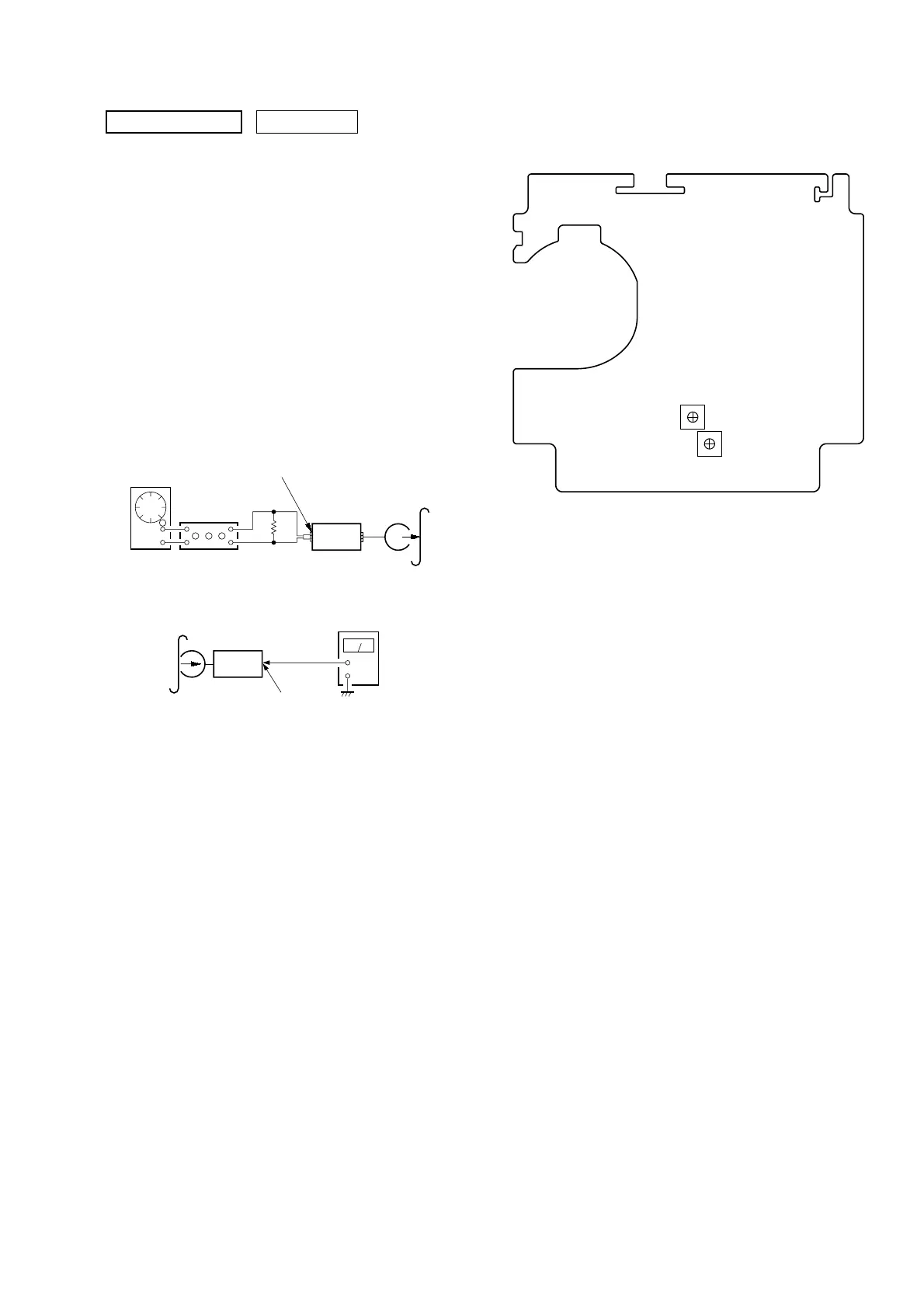
REC BIAS ADJUSTMENT
Procedure:
1. Mode: REC
FUNCTION: VIDEO
2. Mode: Playback
3. Confirm playback the signal recorded in step 1 become speci-
fied values as follows.
If these values are out of specification values, adjust the RV101
(L-CH) and RV201 (R-CH) on the TC board to repeat steps
1and 2.
Specified values: Playback output of 315 Hz to playback output
of 10 kHz: ± 0.5 dB
SECTION 5
ELECTRICAL ADJUSTMENTS
0 dB=0.775 V
DECK SECTION
attenuator
set
MAIN board
AUDIO IN MD (VIDEO) jack (SJ302)
L-CH, R-CH
1) 315 Hz
2) 10 kHz
50 mV (– 23.8 dB)
600 Ω
blank tape
CN-123
AF OSC
+
–
set
recorded
portion
MAIN board
SPEAKER terminals (SJ301
L-CH, R-CH
level meter
Adjustment Location:
RV101 (L)
RV201 (R)
REC Bias
Adjustment
– TC BOARD (Component Side) –



 To Next Page