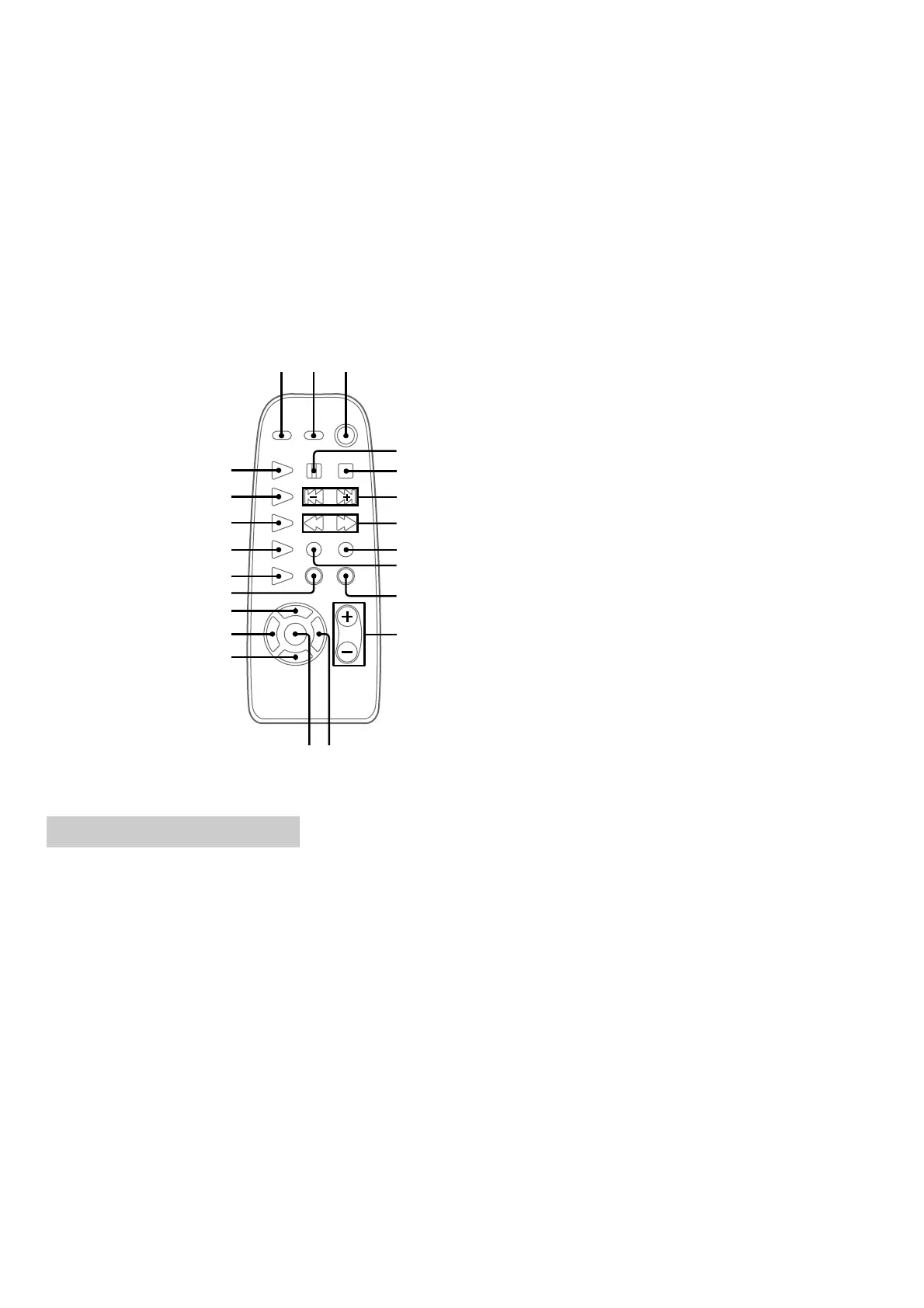
6
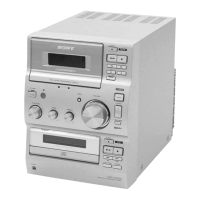
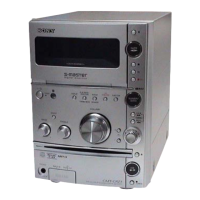
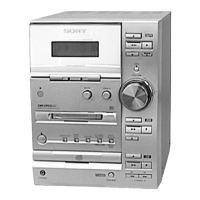
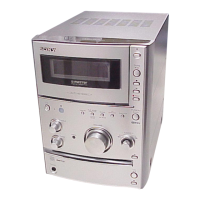
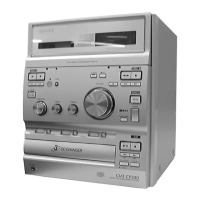
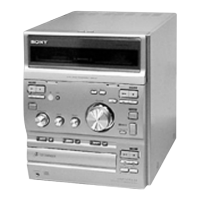
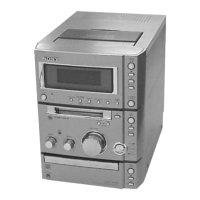
HCD-CP101
12
3
8
5
6
4
9
0
qa
qsqd
qj
qk
qh
qg
qf
ql
w;
wa
ws
7
CD REPEAT qk (8)
CD N ws (8, 9)
DIR MODE ql (12–14)
DISPLAY 2 (11, 16)
DSG 1 (15)
ENTER qd (7, 10, 15, 17)
FM MODE 9 (11)
FUNCTION qj (8–10, 12, 13,
18)
MEMORY qh (10)
SLEEP qf (16)
TAPE Y w; (12–14)
TIMER SELECT qs (15, 17)
TIMER SET qg (7, 14, 17)
TUNER/BAND wa (10)
TUNING MODE/PLAY MODE
q; (8, 9, 10, 11, 14)
VOL +/– qa (17)
X 4 (8, 12–14)
x 5 (8, 9, 12–14)
./> 6 (7–10, 14, 15, 17)
m/M 7 (8, 10–12)
@/1 (power) 3 (7, 15, 17)
z REC 8 (13)
– Remote Control –
Setting the clock
1
Turn on the system.
2 Press TIMER SET on the remote.
3 Press ./> on the remote
repeatedly to set the hour.
4 Press ENTER on the remote.
The minute indication flashes.
5 Press ./> on the remote
repeatedly to set the minute.
6 Press ENTER on the remote.
The clock will begin operating.
To adjust the clock
1
Press TIMER SET on the remote.
2
Press . or > on the remote to select
“SET CLOCK”, then press ENTER on the
remote.
3
Do the same procedures as step 3 to 6
above.



 To Next Page