5
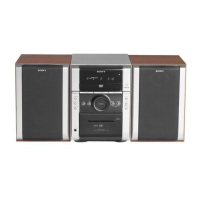
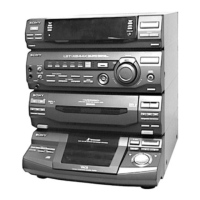
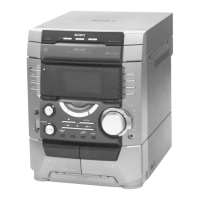
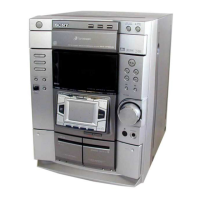
HCD-DP800AV
Setting the time
1
Turn on the system.
2
Press CLOCK/TIMER SET.
When you set the time for the first time,
proceed to step 5.
3
Press . or > repeatedly to select
“CLOCK SET”.
4
Press ENTER.
5
Press . or > repeatedly to set the
hour.
6
Press ENTER.
7
Press . or > repeatedly to set the
minutes.
8
Press ENTER.
Tips
• If you have made a mistake or want to change the
time, start over from step 2.
• You can use the digipad instead of ./>.
Note
The clock settings are canceled when you disconnect
the power cord or if a power failure occurs.


 To Next Page