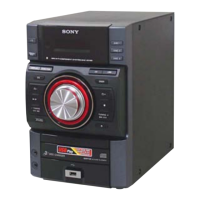
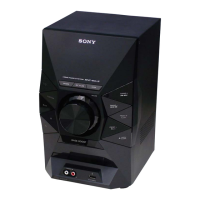
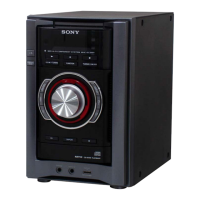
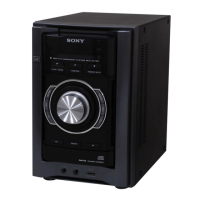
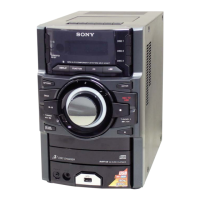
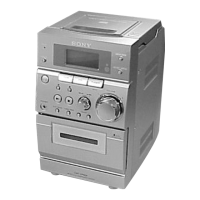
HCD-EC69/EC79/EC99
7
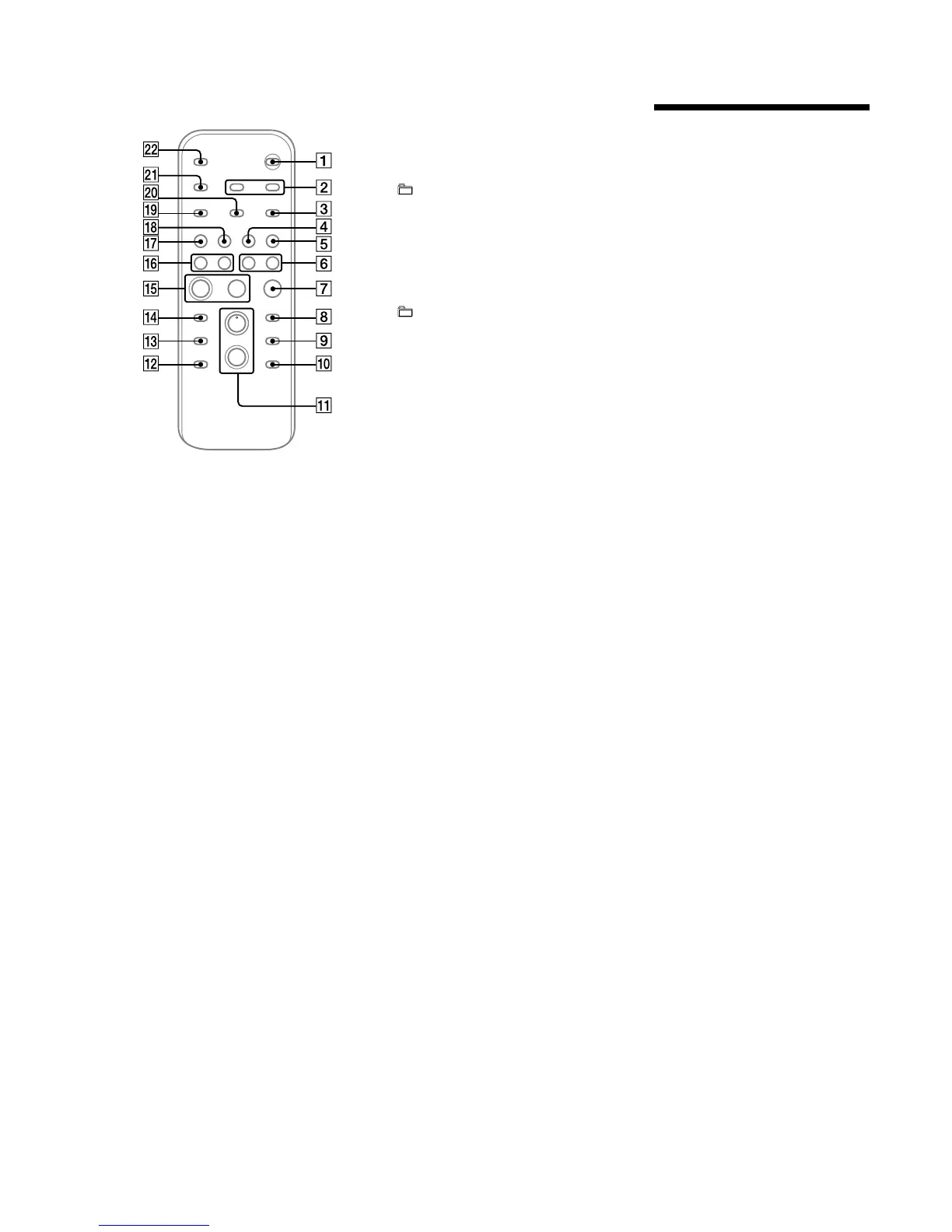
Remote
/ (on/standby) button
Press to turn on the system.
CLOCK/TIMER SELECT button
CLOCK/TIMER SET button
PresstosettheclockandthePlayTimer.
REPEAT/FM MODE button
Press to listen to a disc, a USB device, a single
track or lr repeatedly.
Press to select the FM reception mode
(monaural or stereo).
TUNER/BAND button
Press to select the TUNER function.
Press to select FM or AM reception mode.
FUNCTION button
Presstoselectthefunction.
Press to nd a point in a track or le.
N/. (rewind/fast forward) button
Y (stop) button
Presstostopplayback.
ENTER button
Press to enter the settings.
DISC SKIP button
Press to select a disc.
R
+ (select folder) button
Press to select a folder.
RB
VOLUME +/− button
Press to adjust the volume.
RT
− (select folder) button
Press to select a folder.
Press to select the sound eect.
RE
EQ button
RG
CLEAR button
Press to delete a pre-programmed track or le.
RH
/ (play) button
Presstostartplayback.
9 (pause) button
Presstopauseplayback.
Press to select a track or le.
RI
/ (go back/go forward) button
+/– (tuning) button
Press to tune in the desired station.
RK
USB button
Press to select the USB function.
RL
CD button
Press to select the CD function.
RM
TUNER MEMORY button
Press to preset the radio station.
X
PLAY MODE/TUNING MODE button
Press to select the play mode of a CD or MP3 disc.
Press to select the tuning mode.
XB
DISPLAY button
Press to change the information on the display.
XT
SLEEP button
Press to set the Sleep Timer.
Setting the clock
Usebuttonsontheremotetosetthe
clock.
1
Turn on the system.
Press /.
2
Select the clock set mode.
Press CLOCK/TIMER SET.
repeatedly to select “CLOCK,” and then
press ENTER.
If “PLAY SET” ashes, press /
3
Set the time.
Press / repeatedly to set the
hour, and then press ENTER.
4
Use the same procedure to set the
minutes.
Note
power cord or if a power failure occurs.
e clock settings are lost when you disconnect the
To display the clock when the system is off
Press DISPLAY repeatedly until the clock is
displayed. e clock is displayed for about 8
seconds.



 To Next Page