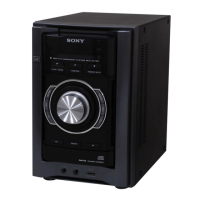
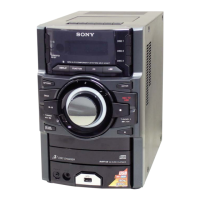
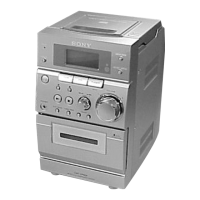
HCD-EC69/EC79/EC99
6
SECTION 2
GENERAL
This section is extracted
from instruction manual.
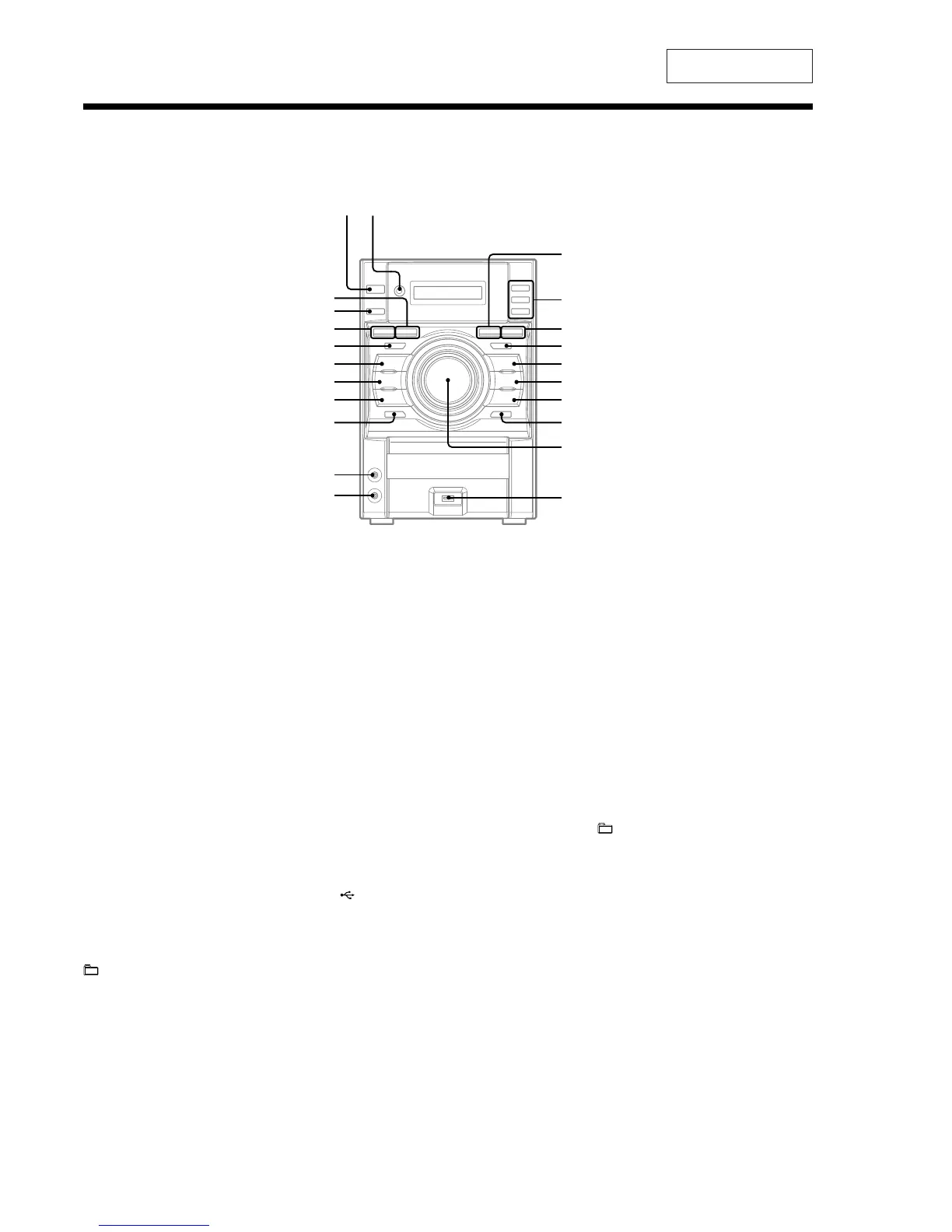
Guide to parts and controls
similar names.
is manual mainly explains operations using the remote, but tha same operations can also be performed using the buttons on the unit having the same or
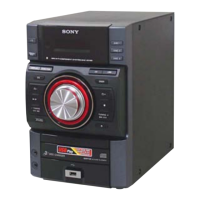
Main Unit
X
RM
RL
RK
RI
RH
RG
RE
R
RB
RT
XB
XT
XE
*
2
HCD-EC99 only
*
2
/ (on/standby) button
Press to turn on the system.
Remote sensor
CD button
Press to select the CD function.
DISC 1 − 3 buttons
Press to select a disc. Press to switch to the CD
function from other function.
USB button
Press to select the USB function.
Press to select the sound eect.
DSGX button
+ (select folder) button
Press to select a folder.
Y (stop) button
Press to stop playback.
R
TUNING + button
Press to tune in the desired station.
Press to select a track or le.
(go forward) button
. (fast forward) button
RB
; (open/close) button
Press to insert and eject a disc.
RT
VOLUME control
Turn to adjust the volume.
RE
(USB) port
Connect an optional USB device.
RG
PHONES jack
Connect the headphones.
RH
PC IN jack
Connect an audio component (Portable audio
player, etc.).
RI
DISC SKIP/EX-CHANGE button
Press to select a disc. Press to exchange a disc
while playing.
RK
TUNING − button
Press to tune in the desired station.
Press to select a track or le.
Press to nd a point in a track or le.
(go back) button
N (rewind) button
RL
V (play/pause) button
Presstostartorpauseplayback.
RM
− (select folder) button
Press to select a folder.
Press to select the sound eect.
Press to turn on or o the subwoofer.
X
EQ button
XB
DISPLAY button
Press to change the information on the
display.
XT
(HCD-EC99 only)
SUBWOOFER ON/OFF button
XE
FUNCTION button
Presstoselectthefunction.
Press to nd a point in a track or le.



 To Next Page