HCD-SHAKE5/SHAKE6D
16
• Check Emergency History
To check the emergency history, please follow the following
procedure.
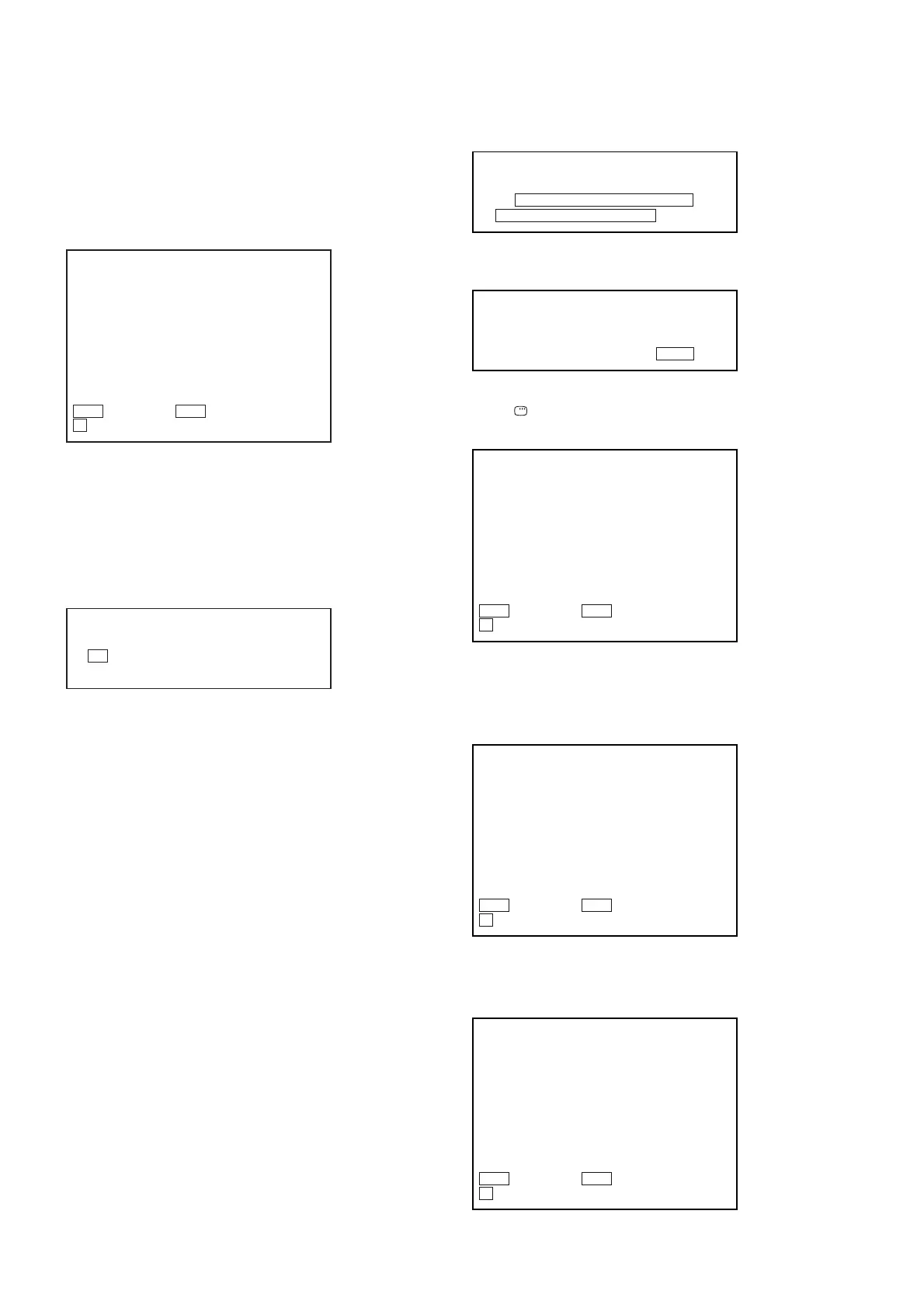
1. From the Top Menu of Remocon Diagnosis Menu, select
“3. Emergency History” by pressing the [3] button on the
remote commander. The following screen appears on the on-
screen display.
2. You can check the total time when the laser is turned on
during playback of DVD and CD from the above menu. The
maximum time, which can be displayed are 999h 59min.
3. You can check the error code of latest 10 emergency history
from the above menu. To view the previous or next page of
emergency history, press the [.] button or [>] button
on the remote commander. The error code consists of
• Error Code
The meaning of error code is as below:
01: Communication error (No reply from syscon)
02: Syscon hung up
03: Power OFF request when syscon hung up
19: Thermal shutdown
24: MoveSledHome error
25: Mechanical move error (5 Changer)
26: Mechanical move stack error
30: DC motor adjustment error
31: DPD offset adjustment error
32: TE balance adjustment error
33: TE sensor adjustment error
34: TE loop gain adjustment error
35: FE loop gain adjustment error
36: Bad jitter after adjustment
40: Focus NG
42: Focus layer jump NG
51: Spindle stop error
52: Open kick spindle error
60: Focus on error
61: Seek fail error
62: Read Q data/ID error
70: Lead in data read fail
71: TOC read time out (CD)
80: Can’t buffering
81: Unknown media type
Emg. History Check
1. 01 05 04 04
Laser Hours CD 999h 59min
DVD 999h 59min
00 92 46 00
00 00 00 00
00 00 23 45
2. 02 02 01 01 00 A9 4B 00
00 00 00 00
00 00 23 45
Next Next Page Prev Prev Page
O Return to Top Menu
• Parameter of error code
This is the detail of error code.
• Time of error code
This is the laser time when an error occurred.
To clear the Laser Hours
Press the [
DISPLAY] button and then press the [CLEAR]
button. The data for both CD and DVD data are reset.
To clear the Emergency History
Press the [DVD TOP MENU] button and then press the [CLEAR]
button.
The error code for all emergency history would be reset.
To clear the Initialize Setup Data
Press the [DVD/TUNER MENU] button and then press the
[CLEAR] button on the remote commander.
Example of Error code
1. 01 05 04 04 00 92 46 00
00 00 00 00 00 00 23 45
Example of Error code
1. 01 05 04 04 00 92 46 00
00 00 00 00 00 00 23 45
Example of Error code
1. 01 05 04 04 00 92 46 00
00 00 00 00 00 00 23 45
Emg. History Check
1. 01 05 04 04
Laser Hours CD 0h 0min
DVD 0h 0min
00 92 46 00
00 00 00 00 00 00 23 45
2. 02 02 01 01 00 A9 4B 00
00 00 00 00 00 00 23 45
Next Next Page Prev Prev Page
O Return to Top Menu
Emg. History Check
1. 00 00 00 00
Laser Hours CD 999h 59min
DVD 999h 59min
00 00 00 00
00 00 00 00
00 00 00 00
2. 00 00 00 00 00 00 00 00
00 00 00 00 00 00 00 00
Next Next Page Prev Prev Page
O Return to Top Menu
Emg. History Check
Initialize setup data...
Laser Hours CD 999h 59min
DVD 999h 59min
Next Next Page Prev Prev Page
O Return to Top Menu









 To Next Page