1-7 (E)
HDVF-C950W
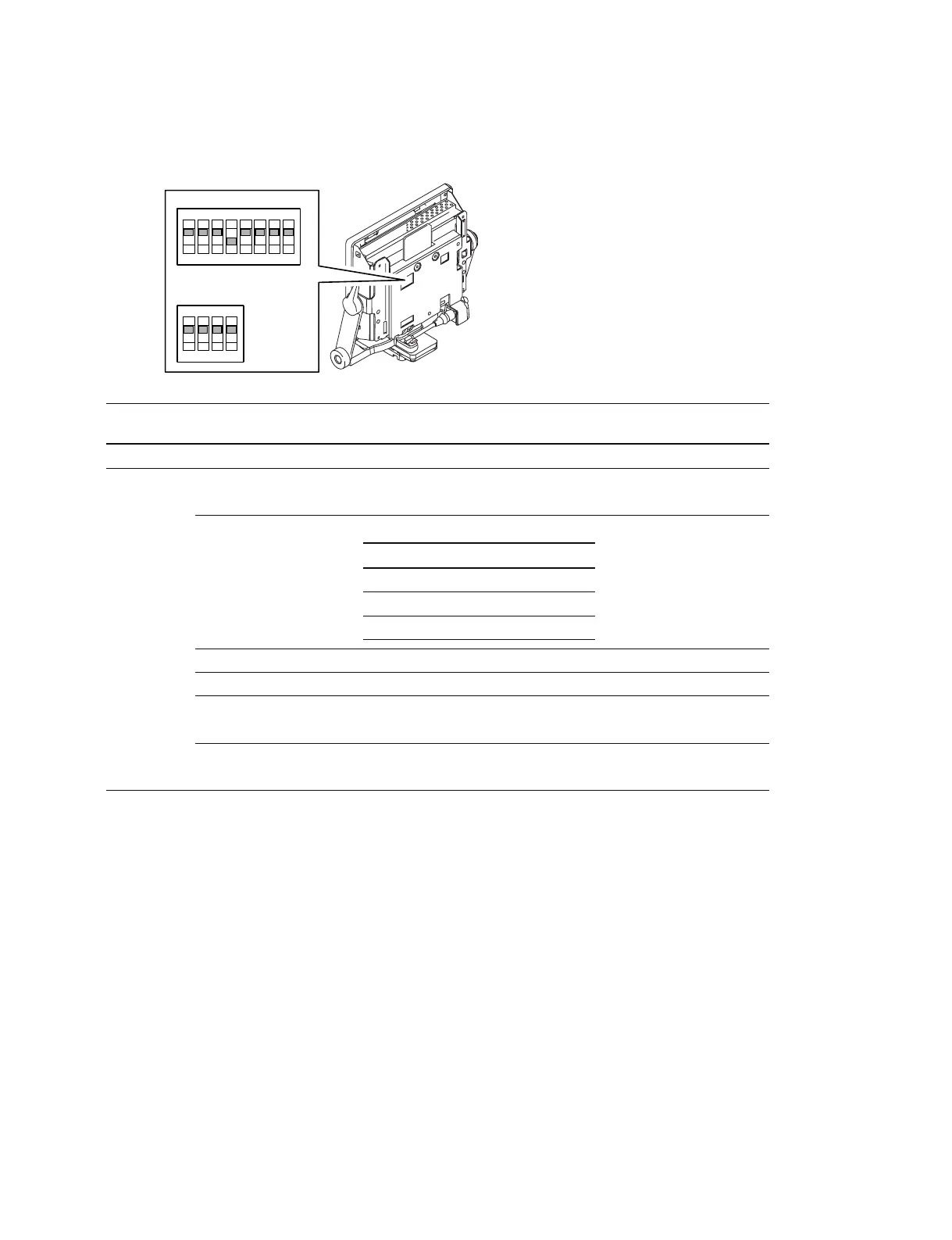
1-6. Description of On-board Switches
PR-292 board
Ref. No. Name Bit Contents Factory default
setting
S600 Model ID 1 to 4 All OFF
S601 SECOND VF settings 1 OFF: Normal OFF
ON : When used as the Second VF
*1
Input signal format 2 to 4 All OFF
settings
*2
5ON
6 OFF
BOOT SOFT VERSION UP 7 OFF : Normal OFF
ON : During VERSION UP
MAIN SOFT VERSION UP 8 OFF: Normal OFF
ON : During VERSION UP
*1 : Set this to ON only when using the device as the second VF by connecting it to the EXT I/O (20P) connector of HDC-950 or HDC-
930. (No setting change is required when using the device alone.)
In this case, a dedicated VF connection cable and the corresponding camera settings are needed.
Contact your nearest SONY Office/Service Center for details.
No setting change is required when connecting the device to the EXT I/O (20P) connector of HDC-F950.
*2 : The input signal format must be set according to the connected camera. Change the setting only when you want to fix the format on
the VF side.
2
1
O
N
3
4
5
6
7
8
S601
O
N
1
2
3
4
S600
AUTO 60i 50i 24PsF
2 OFF ON OFF ON
3 OFF OFF ON ON
4 OFF OFF OFF OFF



 To Next Page