HDVF-C950W
2-2 (E)
2-2. TOP Menu
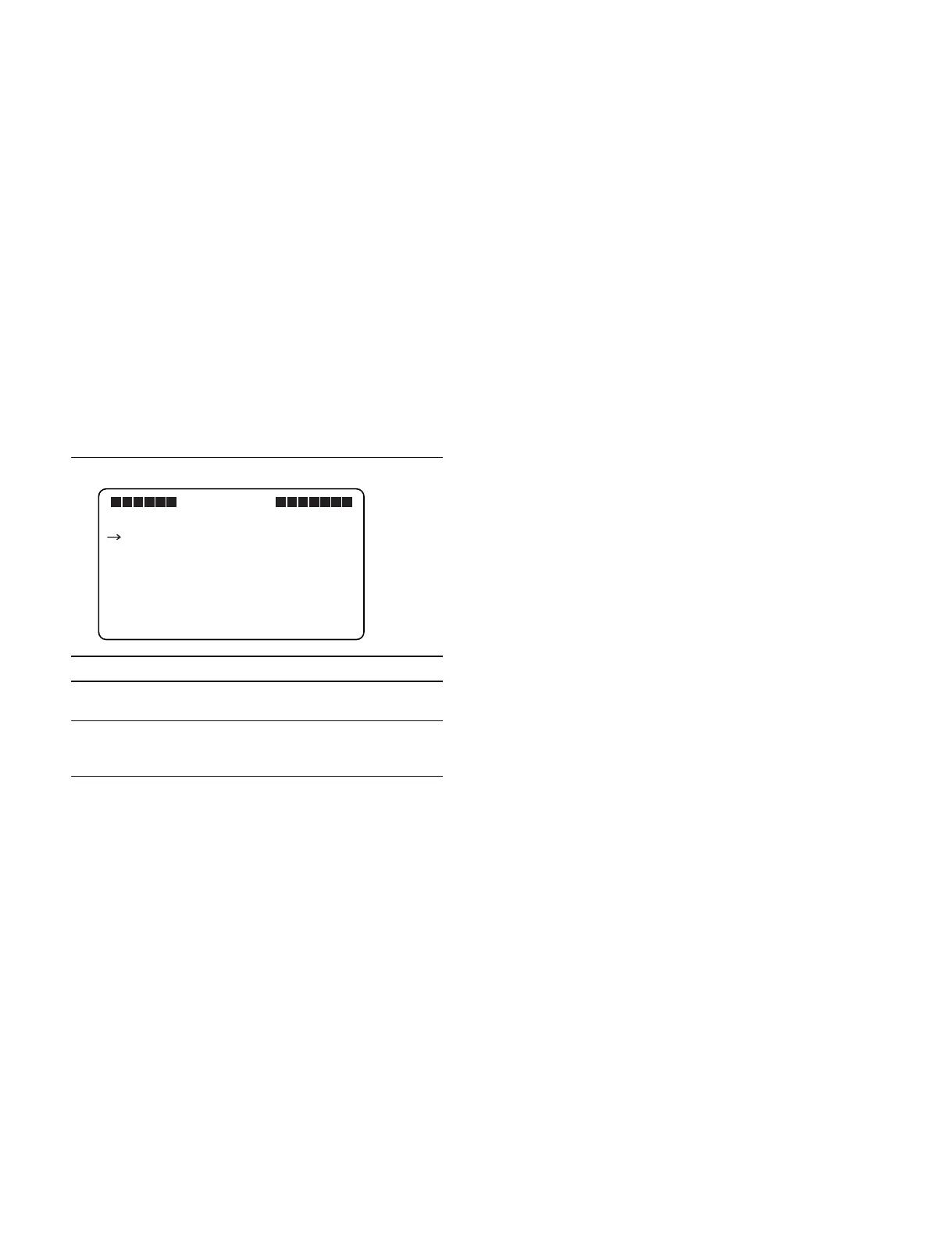
The TOP menu displays all of the menu items.
Displaying the TOP Menu
1. Set the control knob on the front to the following
settings.
1 CONTRAST knob : 99 (Turned fully clockwise)
2 BRIGHT knob : _99 (Turned fully counter-
clockwise)
3 PEAKING knob : 100 (Turned fully clockwise)
2. Press the MENU switch while holding down the
MENU knob.
The TOP menu is displayed.
TOP MENU screen
Menu items Contents
OPERATION Contains the setting items required when the
camera operator is using the device.
SERVICE Contains items required for maintaining the
View Finder, such as electrical alignment,
HOURS METER, and self-diagnosis function.
VF MENU
<TOP MENU>
OPERATION
SERVICE



 To Next Page