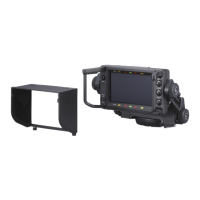
HDVF-C950W
3-1 (E)
n
The device is adjusted when shipped from the factory and
the adjusted value is saved in IC606 on the PR-292 board.
After replacing the LCD panel module, PR-292 board, or
IC606, perform all of the following operations in this
section.
Perform each alignment in order.
3-1. Preparation
3-1-1. Description of Switches, Controls,
and Menu Settings
n
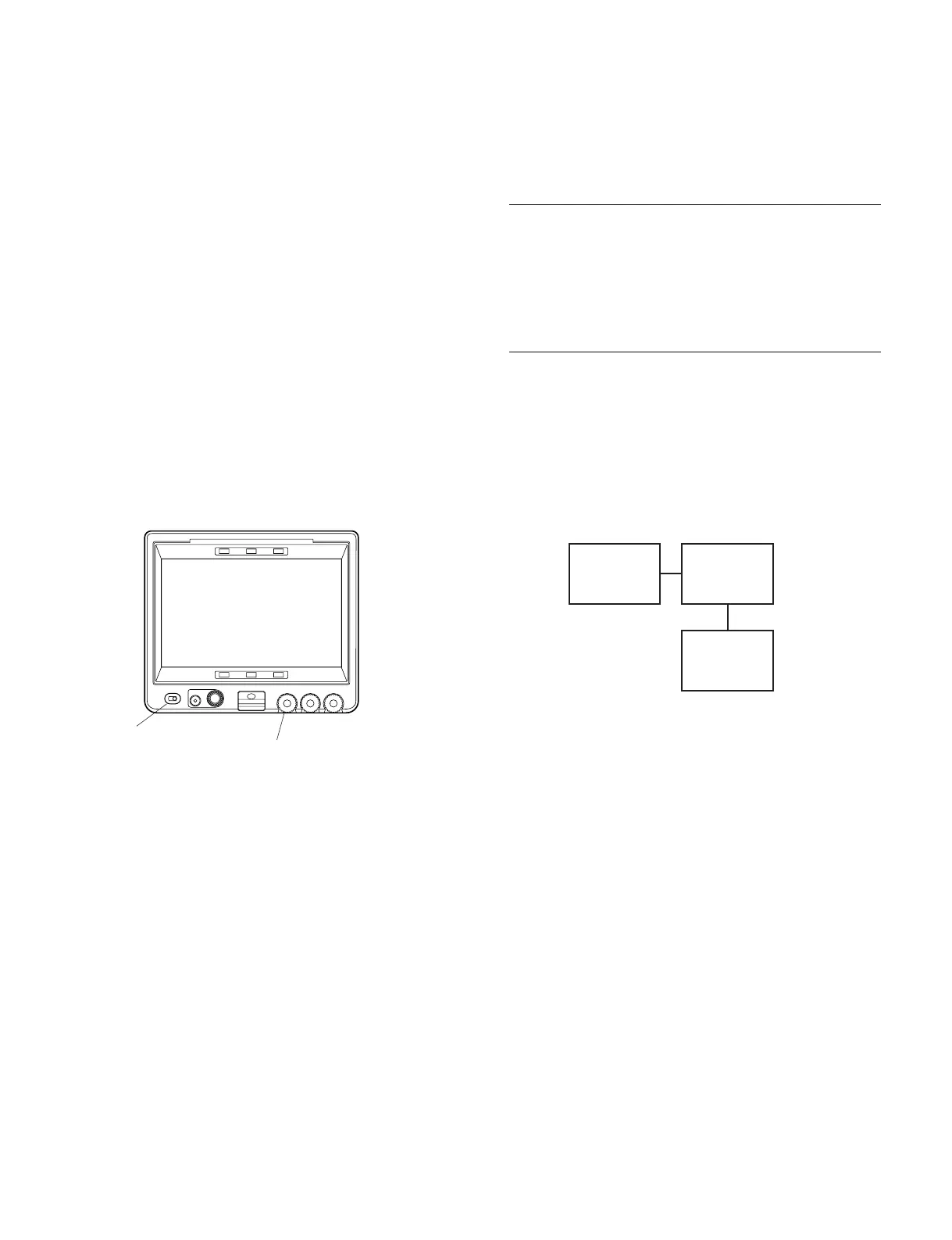
Configure the following settings for the switch, control,
and menu settings for making adjustments in this section
unless otherwise directed.
1 POWER switch : ON
2 PEAKING knob : OFF
(Turned fully counter-clockwise)
3 MENU : OPERATION
PAGE : 01OFUNCTION
ITEM : KNEE → OFF
: MONOCHROME → OFF
4 MENU : OPERATION
PAGE : 05ORESPONSE MODE
ITEM : MODE SELECT → A
: MODE <A> → LOW
5 MENU : SERVICE
PAGE : S05OFUNCTION 2
ITEM : TEST SIGNAL → RAST
: COLOR SELECT → W
3-1-2. Used Equipment
Measurement equipments
. Display color analyzer
Konica Minolta sensing CA-210 or equivalent
. Digital voltmeter
Advantest TR6845 or equivalent
Related equipments
. HDVS camera
HDC1500, HDW-F900R, or equivalent
. AC adaptor
Sony AC-DN10 or equivalent
3-1-3. Connection
3-1-4. Format Settings
Perform adjustment in 1080/60i or 1080/59.94i mode.
For information about switching between formats, refer to
the operation manual for HDC1500 or HDW-F900R.
Section 3
Electrical Alignment
PEAKING BRIGHT
CONTRAST
MENU
POWER
ONOFF
2
1
HDVF-C950W
HDVS camera
VF
DC IN
AC adaptor



 To Next Page