5: Preparingthereceiver
andtheremote
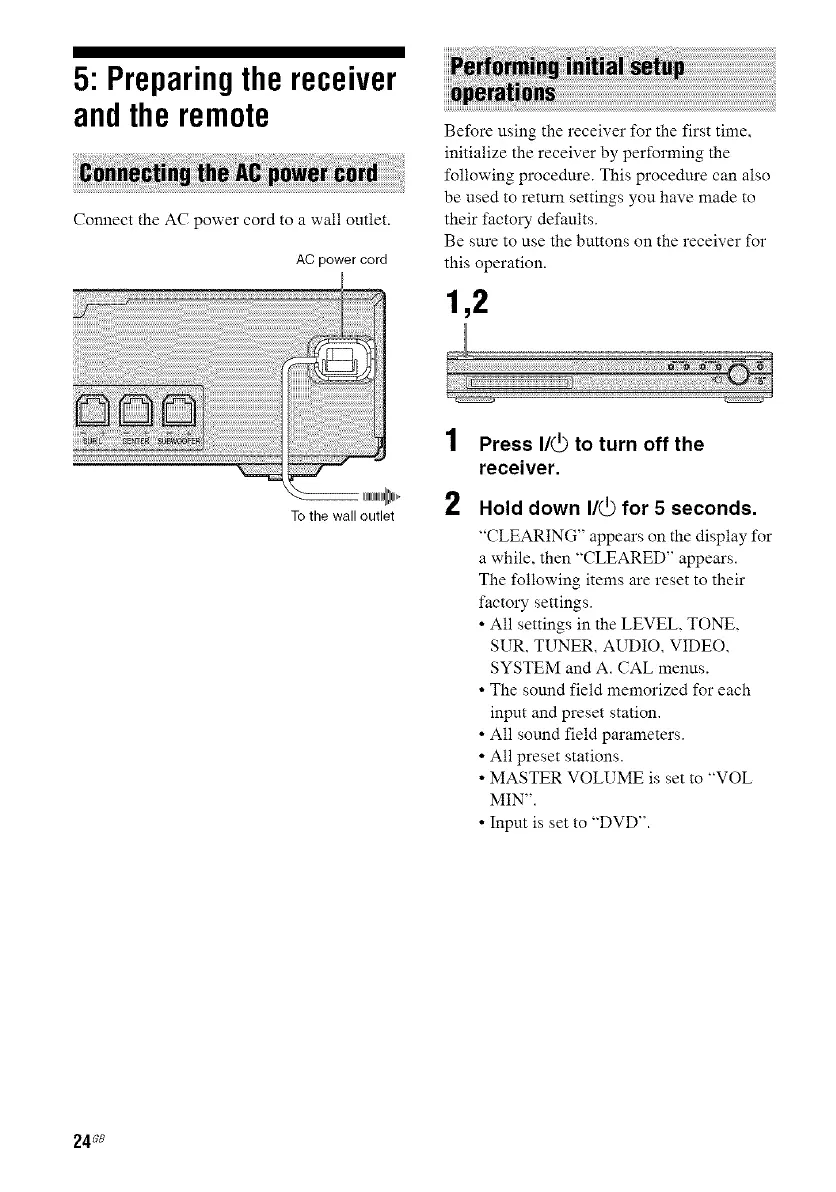
Connect the AC power cord to a wail outlet.
AC power cord
To the wall outlet
Before using the receiver for the first time,
initialize the receiver by performing the
following procedure. This procedure can also
be used to return settings you have made to
their factory defaults.
Be sure to use the buttons on the receiver for
this operation.
1,2
1
2
Press I/_ to turn off the
receiver.
Hold down I/_ for 5 seconds.
"CLEARING" appears on the display- for
a while, then "CLEARED" appears.
The following items are reset to their
factory settings.
• All settings in the LEVEL, TONE,
SUR, TUNER, AUDIO, VIDEO,
SYSTEM and A. CAL menus.
• The sotmd field memorized for each
input and preset station.
• All som_d field parameters.
• All preset stations.
• MASTER VOLUME is set to "VOL
MIN".
• Input is set to "DVD".
24_8



 To Next Page