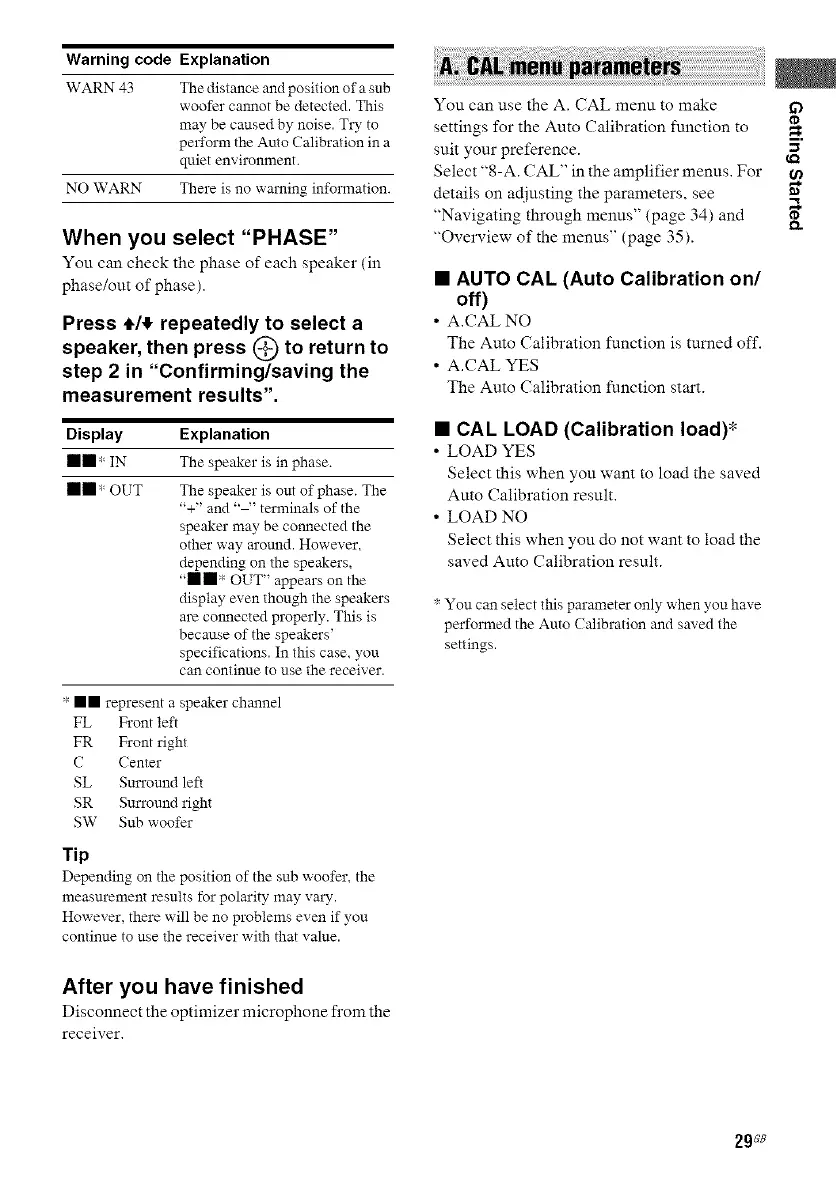
Warning code Explanation
WARN 43 The distance and position of a sub
woofer calmot be detected. This
may be caused by noise. Try to
perform the Auto Calibration in a
quiet environment.
NO WARN There is no warning information.
When you select "PHASE"
You can check the phase of each speaker (ill
phase/out of phase).
Press #/# repeatedly to select a
speaker, then press k'_ to return to
step 2 in "Confirming/saving the
measurement results".
Display
II II,_ IN
mm ,_OUT
Explanation
The speaker is in phase.
The speaker is out of phase. The
"+" and terminals of the
speaker may be connected the
other way m'ound. However,
depending on the speakers,
,,mm,I OUT" appears on the
display even though the speakers
are cmmected properly. This is
because of the speakers'
specifications. In this case. you
can continue to use the receiver.
" ll represent a speaker channel
FL Front left
FR Front right
C (enter
SL Surround left
SR Sm'round right
SW Sub woofer
Tip
Depending on the position of the sub woofer, the
measurement results for polarity may valy.
However, there will be no problems even if you
continue to use the receiver with that value.
You can use the A. CAL menu to make if)
settings for the Auto Calibration function to
suit your preference. "
Select "8-A. CAL" in the amplifier menus. For
details on adjusting the parameters, see "
"Navigating through menus" (page 34) and
"Overview of the menus" (page 35).
• AUTO CAL (Auto Calibration on/
off)
• A.CAL NO
The Auto Calibration function is turned off.
• A.CAL YES
The Auto Calibration function start.
• CAL LOAD (Calibration load)*
• LOAD YES
Select this when you want to load the saved
Auto Calibration result.
• LOAD NO
Select this when you do not want to load the
saved Auto Calibration result.
You can select this parameter only when you have
performed the Auto ( alibration and saved the
settings.
After you have finished
Disconnect the optimizer microphone from the
receiver.
29_e



 To Next Page