Basic Operations
19
GB
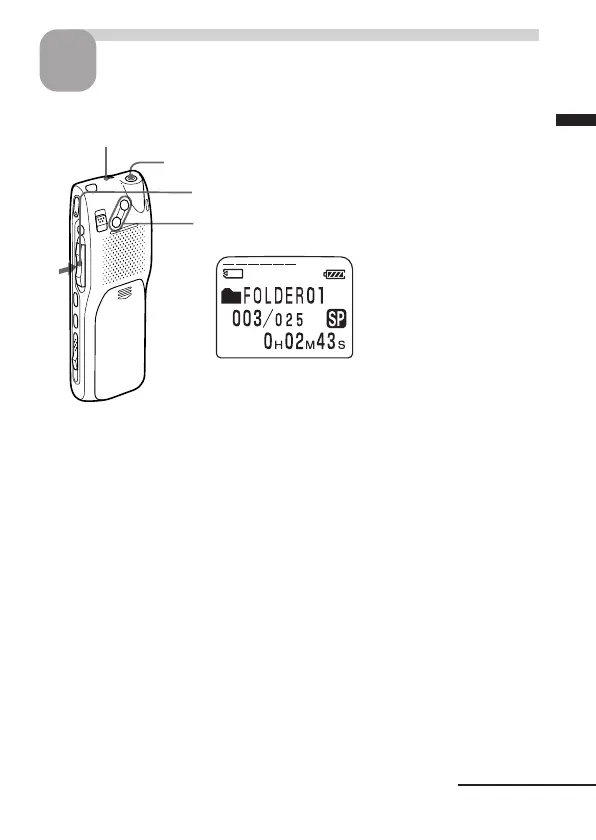
Start playback.
3
OPR indicator
(lights in green during playback)
EAR jack
1 Press the jog lever (x•B).
2 Adjust the volume with VOL +/– .
After playing back one message, the unit stops at the beginning of the next
message.
When the last message in a folder has been played back, the unit stops at
the beginning of the last message.
For private listening
Connect headphones supplied or not supplied to the EAR jack. The built-in
speaker will be automatically disconnected. If you plug in headphones, you will
get monaural output from both left and right channels.
Continued



 To Next Page