Basic Operations
27
GB
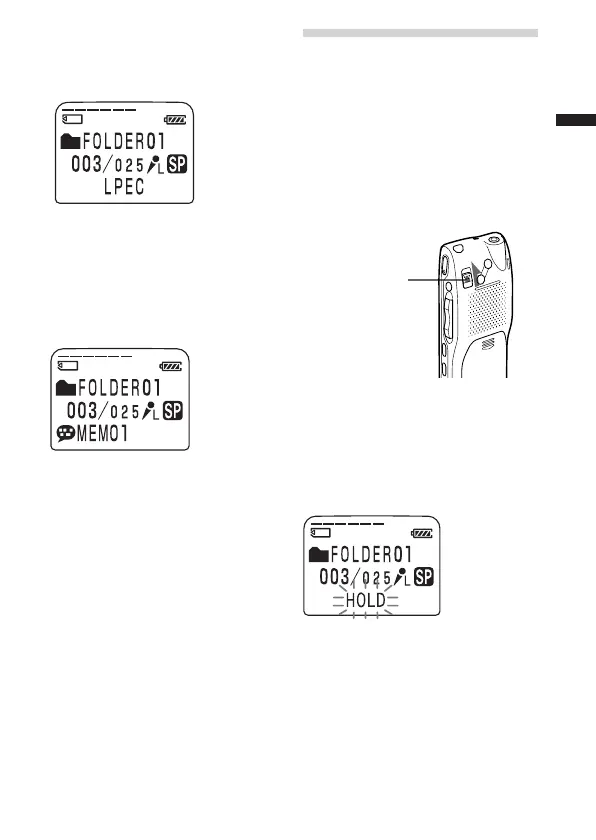
x CODEC (file format)
The file format of the current
message (LPEC or ADPCM)
x MSG.NAME (message name)
The message name will be
displayed in the display window.
If the message has no name, the
message name will not be
displayed in the display window.
1 Longer message names
A message name with more than 10
characters will be displayed with the
scroll function.
HOLD switch
Turning off the Display
The unit is not equipped with the
power button. The display always
appears on the window, which
almost will not influence the
battery life. To turn off the
display, slide the HOLD switch in
the direction of the arrow in the
stop mode.
“HOLD” will flash for three
seconds and then the display turns
off in the window. To turn on the
display, slide the HOLD switch in
the opposite direction.



 To Next Page