44
GB
Labeling Folders or Messages
— Folder/Message/User Name
You can label folders, messages, or the user name of the messages
yourself.
1 Tip
You can also label folder or messages using the supplied “Digital Voice Editor“
software. For more information, see online help.
Labeling Folders
Folders have been labeled automatically like "FOLDER03", but you can
label folders as you like by using template names or creating on your own.
1 Select the folder you want to label.
2 Turn the jog lever toward MENU.
The menu mode will be displayed.
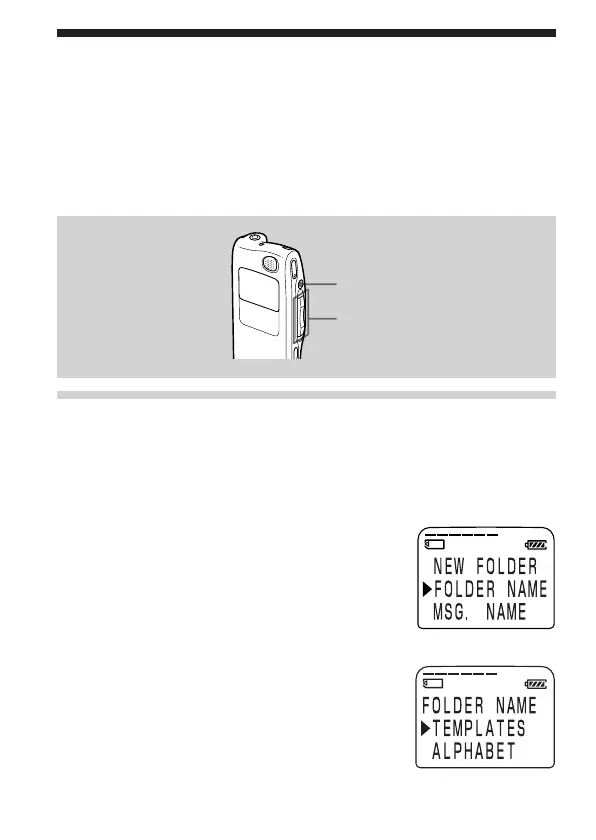
3 Press the jog lever up or down (>/
.) to select “FOLDER NAME“, and
then press the jog lever (x•B).
The folder name input window will be
displayed.
4 Press the jog lever up or down (>/
.) to select “TEMPLATES“ or
“ALPHABET“, and press the jog lever
(x•B).
STOP
Jog lever (FOLDER/>/
./x•B)



 To Next Page