Editing Messages
33
GB
Erase Message 3
Message 1
Message 2 Message 3 Message 4
Before erasing
After erasing
Remaining messages are renumbered.
Message 1
Message 4 Message 5Message 2 Message 3
Erasing Messages
You can erase the recorded messages one by one or all messages in a folder
at a time.
Notes
• Once a recording has been erased, you cannot retrieve it.
• An error message will be displayed in the display window when you cannot
erase a message. For more information, see “Troubleshooting“ (page 64).
• While “ERASE?” or “ERASE ALL?” appears in the display window or the
OPR indicator flashes in orange, do not remove the “Memory Stick” or
batteries. Doing so may damage the data.
Erasing Messages one by one
You can erase unnecessary messages only.
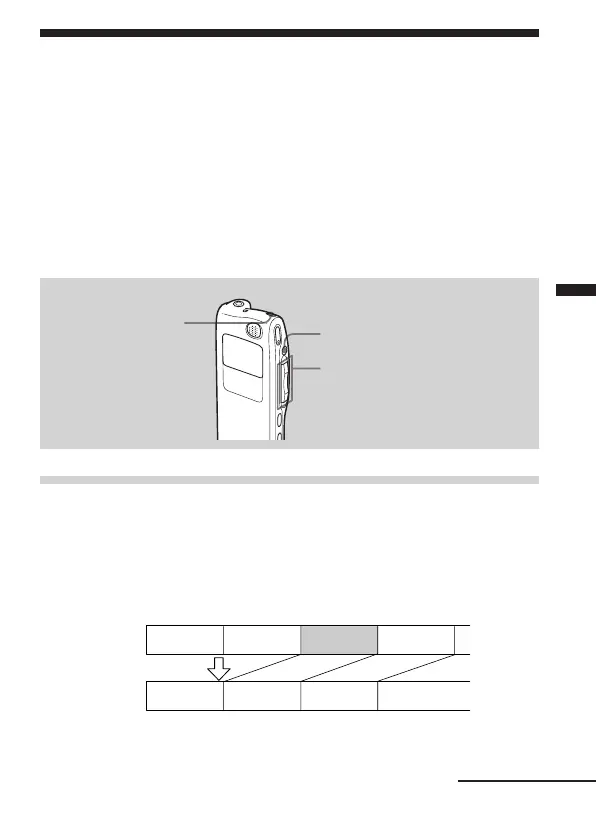
When a message is erased, the remaining messages will advance and be
renumbered so that there will be no space between messages.
STOP
ERASE
Jog lever (FOLDER)
Continued



 To Next Page