34
GB
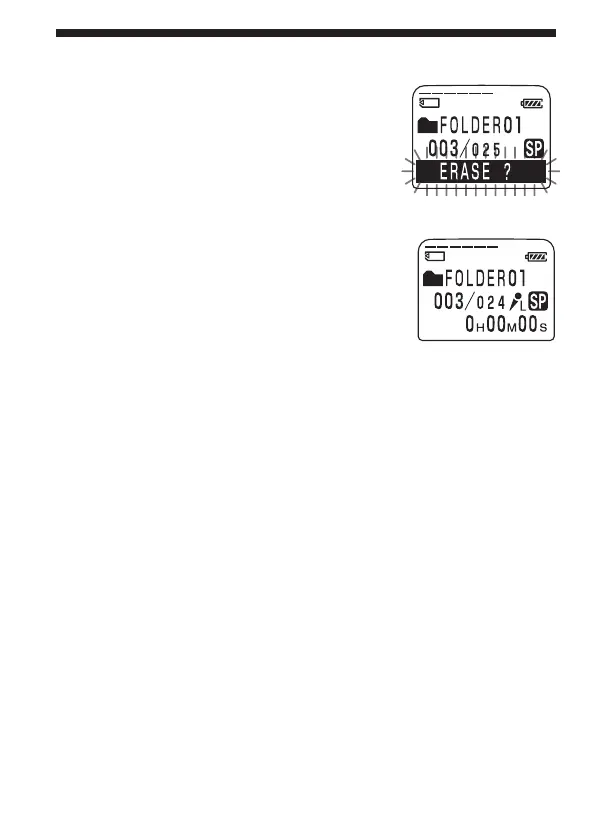
1 Press ERASE while playing back the
message you want to erase or press
ERASE for more than 1 second during
stop mode.
The message number and “ERASE?” will
flash while the first and last 5 seconds of the
message are played back 10 times.
2 Press ERASE while the message is
being played back and “ERASE?” is
flashing.
The message is erased and the remaining
messages will be renumbered. (For example,
if you erase Message 3, Message 4 will be
renumbered as Message 3. When erasing is
completed, the unit will stop at the
beginning of the following message.)
To cancel erasing
Press STOP before step 2.
To erase other messages
Repeat steps 1 and 2.
To erase a message partially
First divide the message (see page 36) and then follow the steps on this
page to erase the message.
Erasing Messages (Continued)



 To Next Page