Editing Messages
39
GB
Adding / Deleting Folders
By default setting, there are three folders: “FOLDER01“, “FOLDER02“, and
“FOLDER03“. You can add folders as you like. You can also delete
unnecessary folders.
Note
The maximum number of folders you can add varies depending on the capacity
of a “Memory Stick“ or using conditions. “FOLDER FULL“ is displayed in the
display window when you cannot add any folder because of the system
limitations of the IC recorder (page 70).
Adding Folders
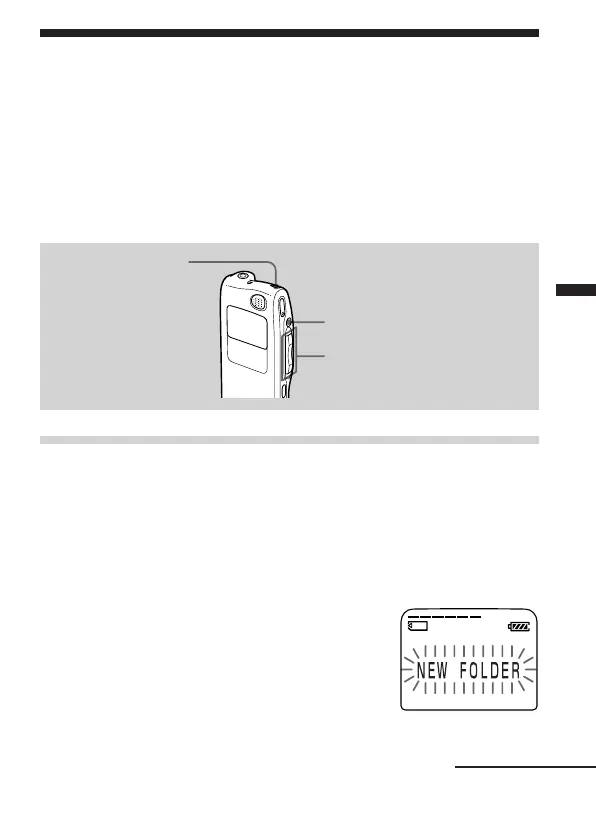
1 Turn the jog lever toward MENU.
The menu mode will be displayed.
2 Press the jog lever up or down (>/.) to select “NEW
FOLDER”, and then press the jog lever (x•B).
The new folder creation window will be displayed.
3 Press the jog lever up or down (>/
.) to select “YES”, and then press
the jog lever (x•B).
“NEW FOLDER” will flash three times on
the display and a folder will be added.
STOP
ERASE
Jog lever (>/./MENU)
Continued



 To Next Page