Editing Messages
35
GB
Erasing All Messages in a Folder
You can erase all recorded messages in a folder.
Notes
The folder itself will not be deleted.
1 Turn the jog lever toward FOLDER and
then press the jog lever up or down
(>/.) to display the folder
(initially FOOLDER01, 02, or 03)
containing the messages you want to
erase.
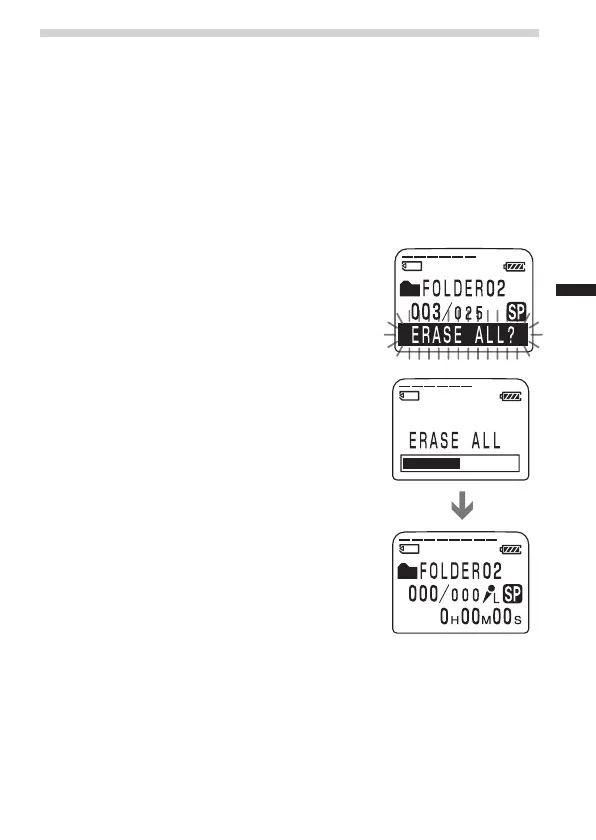
2 While pressing STOP, press ERASE for
more than 1 second.
The message number and “ERASE ALL?”
will flash for 10 seconds.
3 While “ERASE ALL?” is flashing, press
ERASE.
All the recorded messages contained in the
folder are deleted. The folder itself will not be
deleted.
To cancel erasing
Press STOP before step 3.



 To Next Page