Help Guide
Interchangeable Lens Digital Camera
ILCE-9M3 α9III
Cont. Shooting
Shoots images continuously while you press and hold down the shutter button.
Setting item details
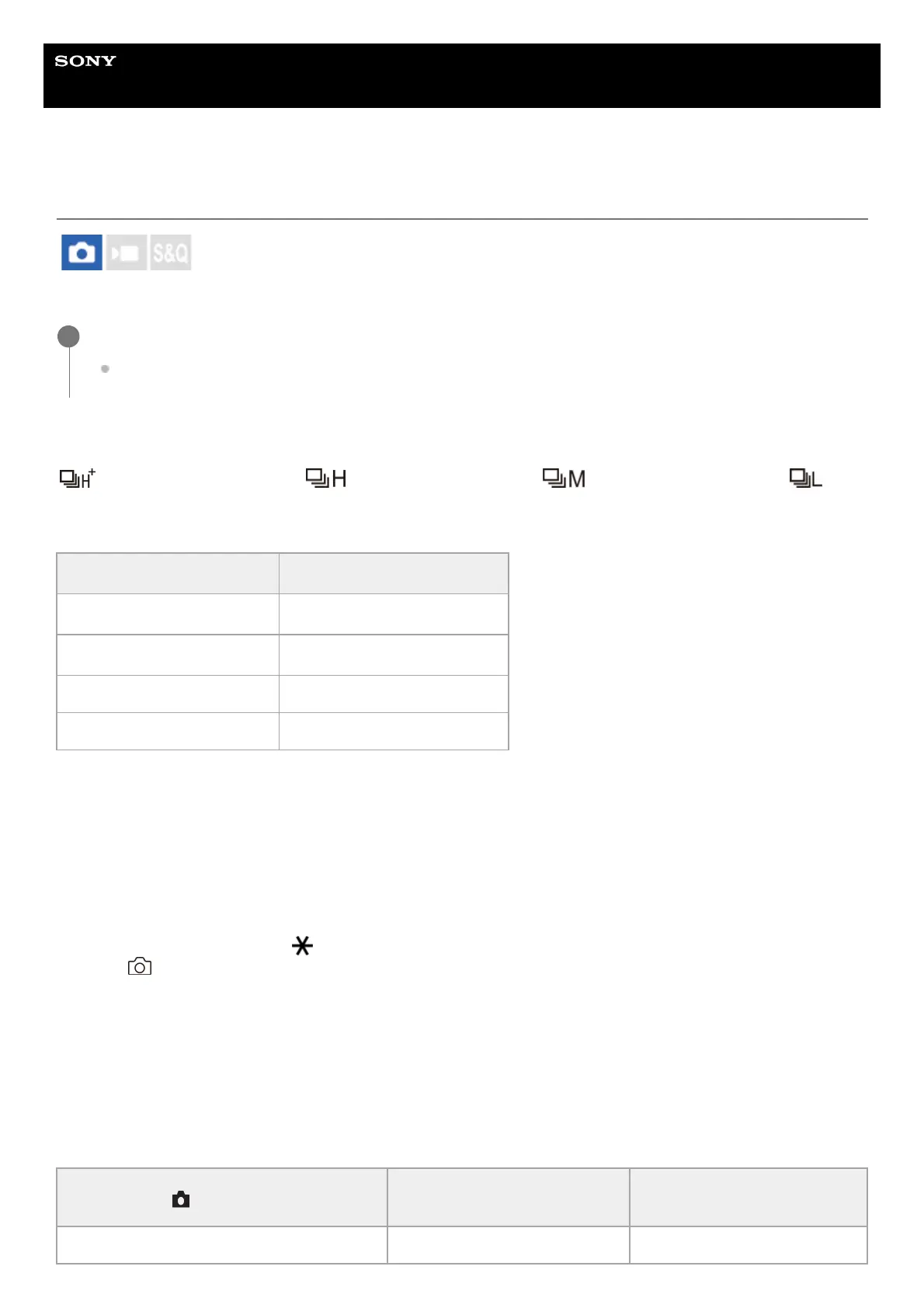
Continuous Shooting: Hi+ / Continuous Shooting: Hi / Continuous Shooting: Mid/
Continuous Shooting: Lo
The listed continuous shooting speeds reflect the condition of the camera when shipped from the factory.
To set the drive mode using MENU
When the drive mode dial is set to (disabled), you can set the drive mode in MENU.
MENU → (Shooting) → [Drive Mode] → [Drive Mode] → [Cont. Shooting] → desired setting.
Number of still images recordable with continuous shooting
These numbers are guides for the number of recordable images when [Cont. Shooting Speed] is set to [120 images/s]
*
and [30 images/s]. The numbers may vary depending on the shooting conditions and the memory card.
[Cont. Shooting Speed]: [120 images/s]
Image Size: [L: 24M]
Turn the drive mode dial and select the desired mode.
Turn the drive mode dial while pressing the drive mode dial lock release button.
1
Continuous shooting setting
Continuous shooting speed
*1
Continuous Shooting: Hi+
Maximum 120 images/second
*2
Continuous Shooting: Hi
Maximum 30 images/second
*2
Continuous Shooting: Mid Maximum 15 images/second
Continuous Shooting: Lo Maximum 5 images/second
This is the speed when [Aperture Drive in AF] is set to [Standard]. When [Aperture Drive in AF] is set to [Focus Priority], the continuous shooting
speed may be slower.
*1
When the focus mode is AF-C (Continuous AF), the continuous shooting speed varies depending on the lens attached. For details, refer to the
lens compatibility information support page.
*2
[120 images/s] can only be selected when the drive mode is [Continuous Shooting: Hi+].
*
File Format
Number of images when JPEG
is selected
Number of images when HEIF
is selected
JPEG/HEIF (Fine) Approx. 192 images Approx. 192 images



 To Next Page