Help Guide
Interchangeable Lens Digital Camera
ILCE-9M3 α9III
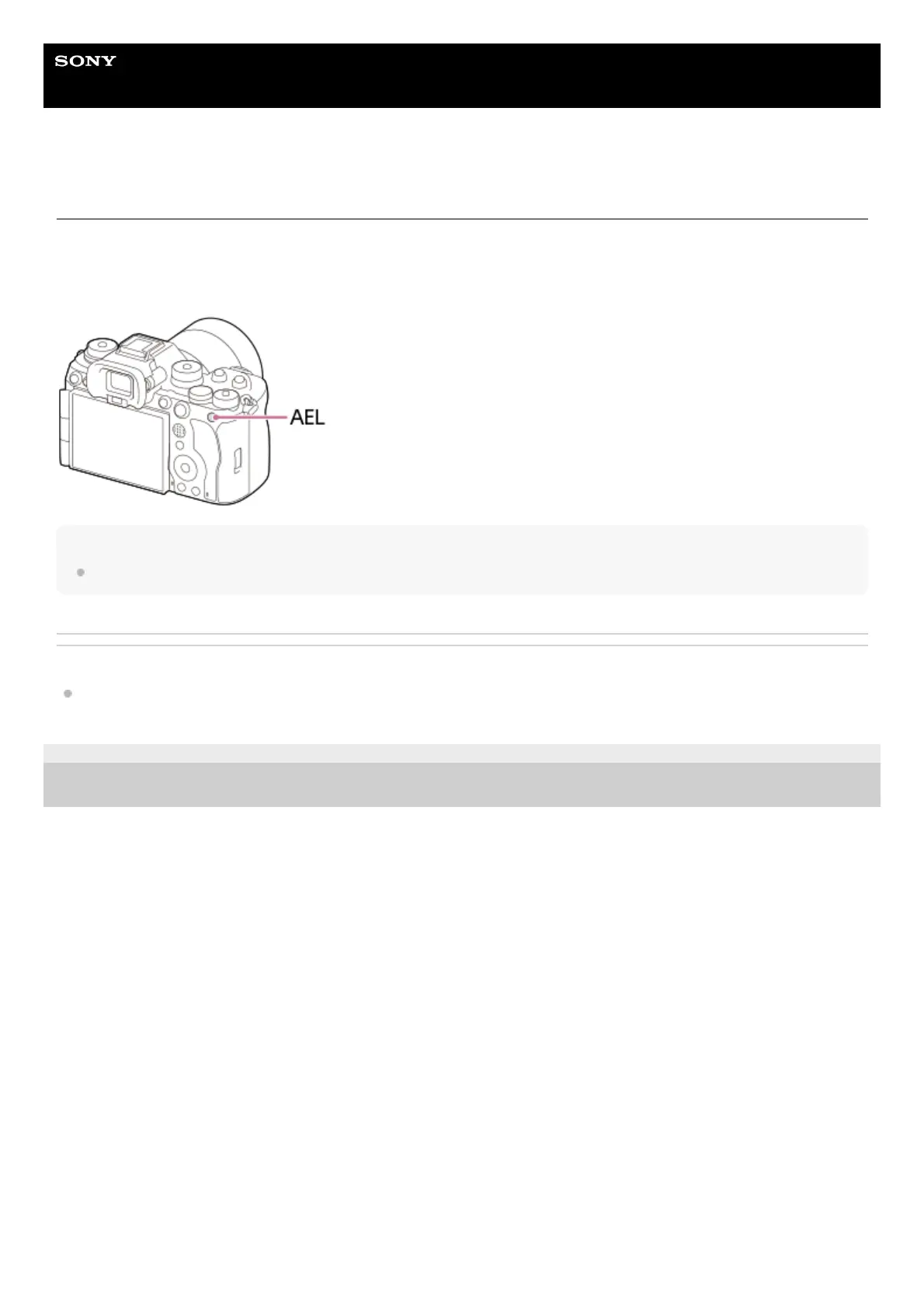
AEL button
If the subject does not reach the proper brightness even when you point the camera toward the subject and press the
shutter button halfway down, you can press the AEL button at the desired brightness to perform metering and lock the
exposure (AE lock function). Once the exposure is locked, refocus on the subject and shoot the image.
Hint
In the default settings, [AEL hold] is assigned to the AEL button.
Related Topic
AE lock
TP1001167532
5-056-662-11(1) Copyright 2023 Sony Corporation



 To Next Page