Help Guide
Interchangeable Lens Digital Camera
ILCE-9M3 α9III
List of default setting values (Playback)
The default setting values at the time of purchase are shown in the following table.
To reset settings to the default values
Select MENU → (Setup) → [Reset/Save Settings] → [Setting Reset] → [Camera Settings Reset] or [Initialize] →
[Enter].
Initialize: All the settings of the camera will be reset to the default values.
Camera Settings Reset: Items that can be reset are limited. See the following table.
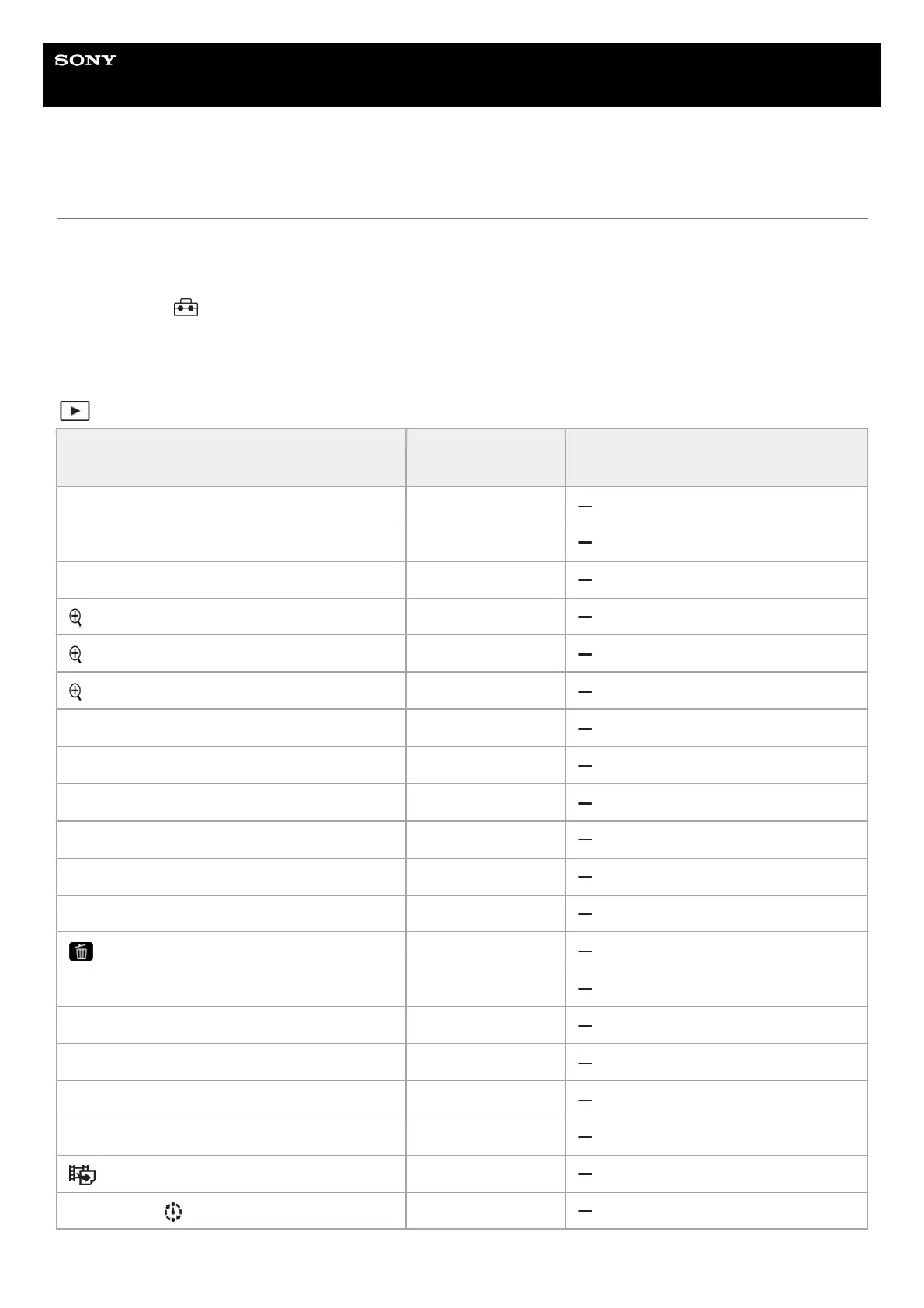
(Playback) tab
MENU item
Default setting
value
Resettable using [Camera Settings
Reset]
Play Set of Multi. Media Slot 1
Playback Filter Condition ―
Image Order Date Order
Enlarge Image ―
Enlarge Initial Mag. Standard. Mag.
Enlarge Initial Position Focused Position
Protect ―
Rating ―
Rating Set(Custom Key) ―
Voice Memo ―
Voice Memo Play Vol. 7
Delete ―
Delete pressing twice Off
Delete confirm. "Cancel" first
Crop ―
Rotate ―
Copy ―
Photo Capture ―
JPEG/HEIF Switch JPEG
Cont. Play for Interval —



 To Next Page