To remove the cable protector
Loosen the attachment screw, and then remove the cable protector.
Related Topic
Front side
Rear side
Top side
Bottom
TP1001273192
5-056-662-11(1) Copyright 2023 Sony Corporation
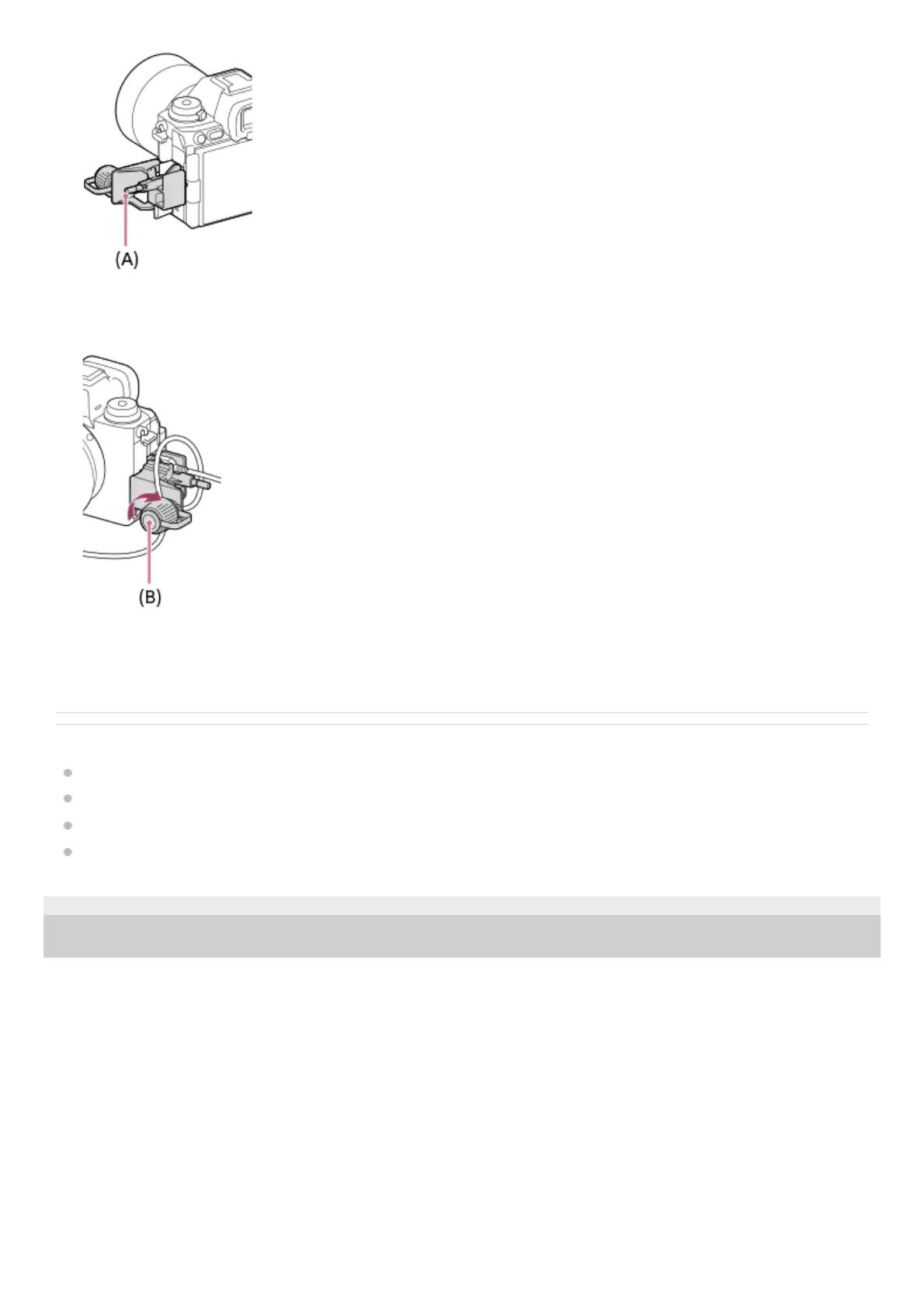
Push in the attachment screw (A) and turn it to secure the cable protector.3.
Insert the cable into one of the jacks.4.
Insert the cable into the holding part and then secure the cable with the fixing dial (B).5.



 To Next Page