132
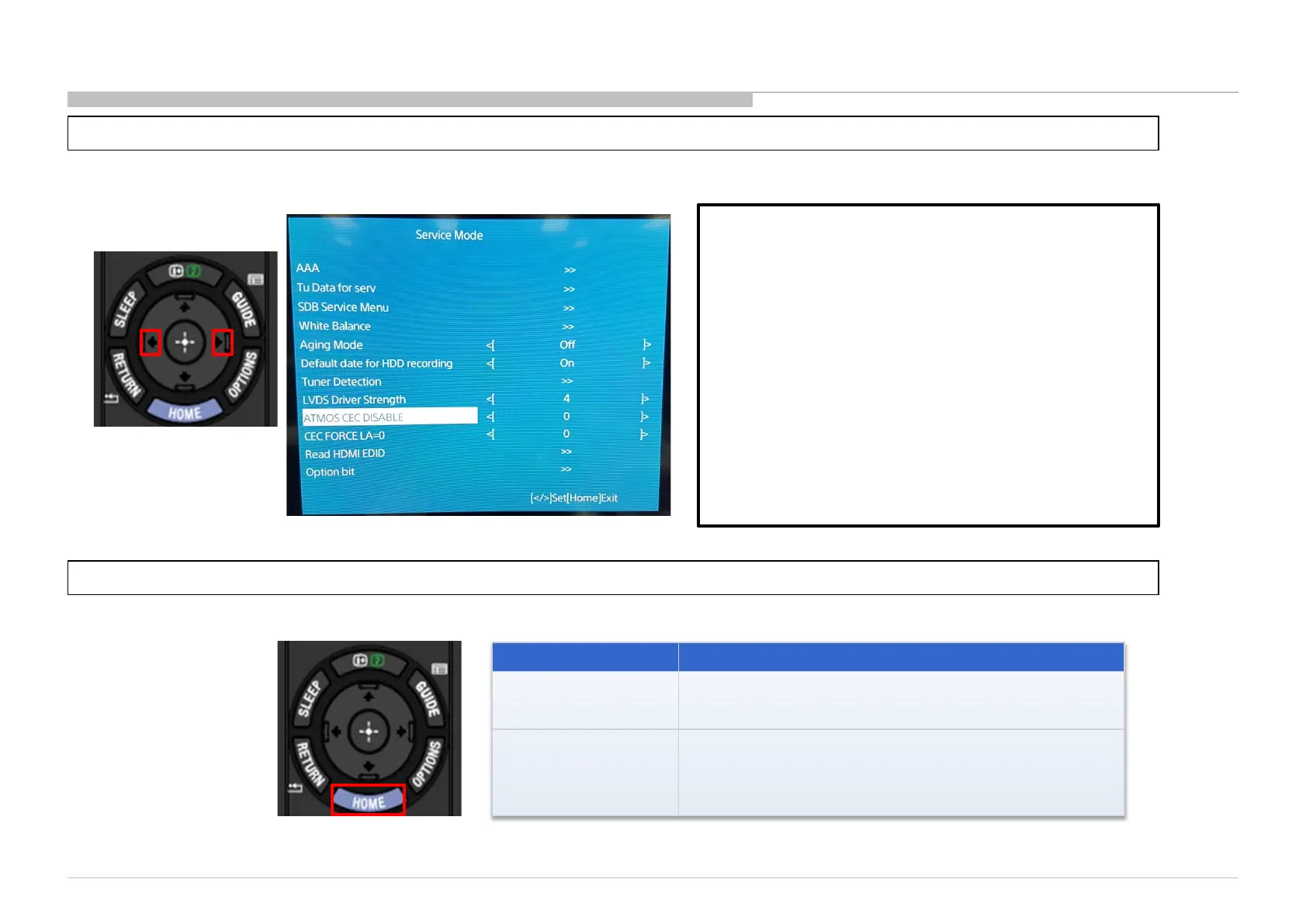
03.14 ATMOS CEC Disable
1) Go to “ATMOS CEC DISABLE” and Press “” or “” button to select ‘0’ or ‘A’
2) After select the option that you wish, press “Home” to confirm the selection.
Option Execution Effect
0 (default)
The TV checks whether HDMI1(ARC) is connected to an
amplifier that support ARC &
Atmos or not, and sets either
EDID/ Non Atmos EDID.
A
Atmos checking when HDMI1(ARC) is connected
to an amplifier that support ARC and
set Atmos EDID even when
amplifier doesn’t support Atmos.
ATMOS_CEC_DISABLE (EEPROM 0x30A0)
Data : [0/A] Default : 0
Purpose : Data [A] is able to skip Atmos judgment by
CEC <Report Short Audio Descriptor> comes from the
amplifier, and to set Atmos EDID as the service c/m to an
amplifier supports Atmos but it reply NO Atmos.
Remarks :
1) This data is not changed after software update or AC-
Off-On, only change from service menu.
2) Need to turn AC off/on after change setting in order
algorithm to take effect.













 To Next Page