Using the Menus
31
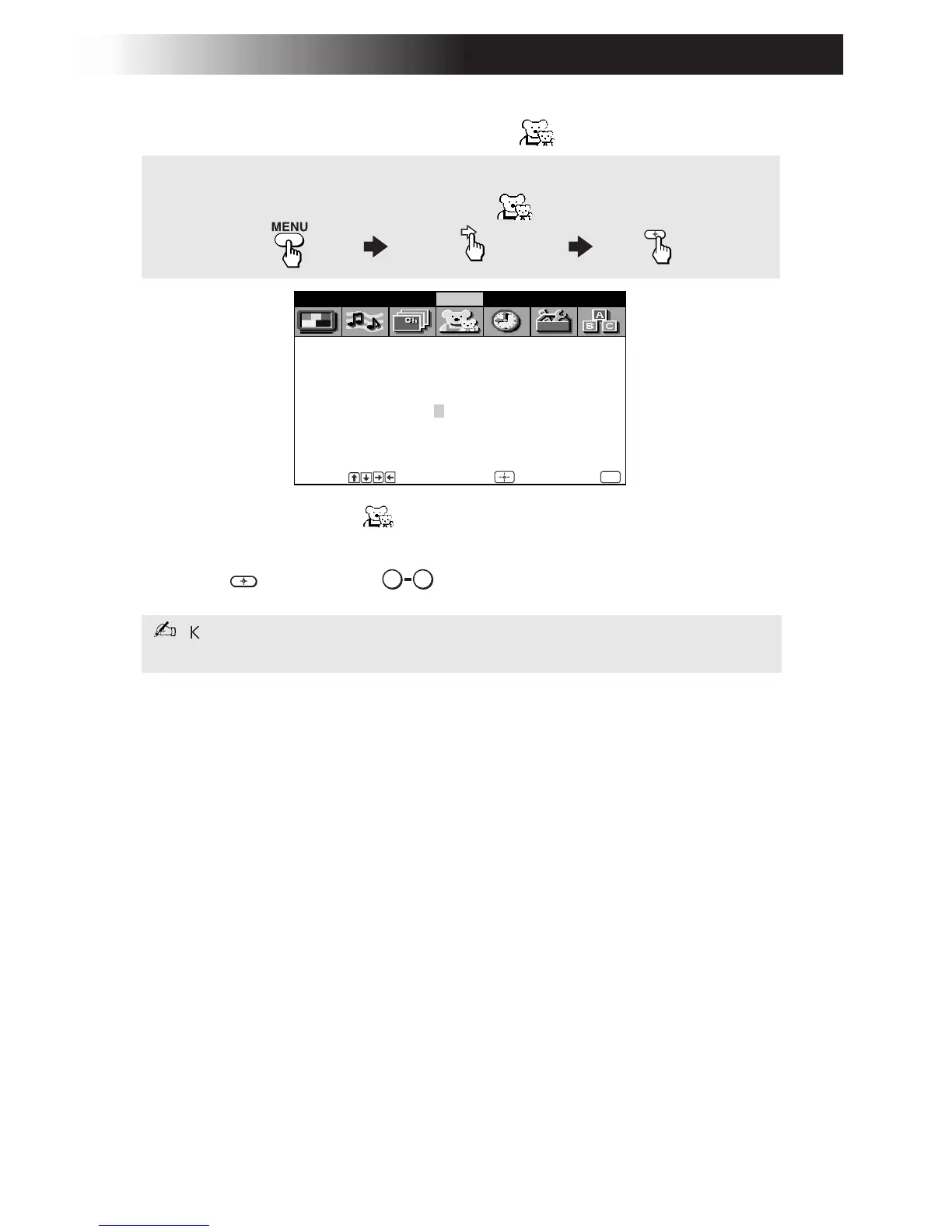
Using the Parental Control Menu
In the Parental Control menu, you will be asked to set a 4-digit
password for any further access into Parental Control.
1 Press , then use the buttons to enter a 4-digit password.
2 Confirm your password by entering it again.
Once your password is set correctly, the next Parental Control menu
appears.
Keep this instruction manual in a safe place. If you forget your password, see
page 42.
Password:
Use [0-9] buttons to
enter
Video Audio Channel Parent Timer Setup Basic
_ _ _ _
new password
Move Select End
MENU
To display
To highlight
To select
To access the Parental Control menu, refer to the following steps:
0 9













 To Next Page