User's manual Sony Personal Navigation System
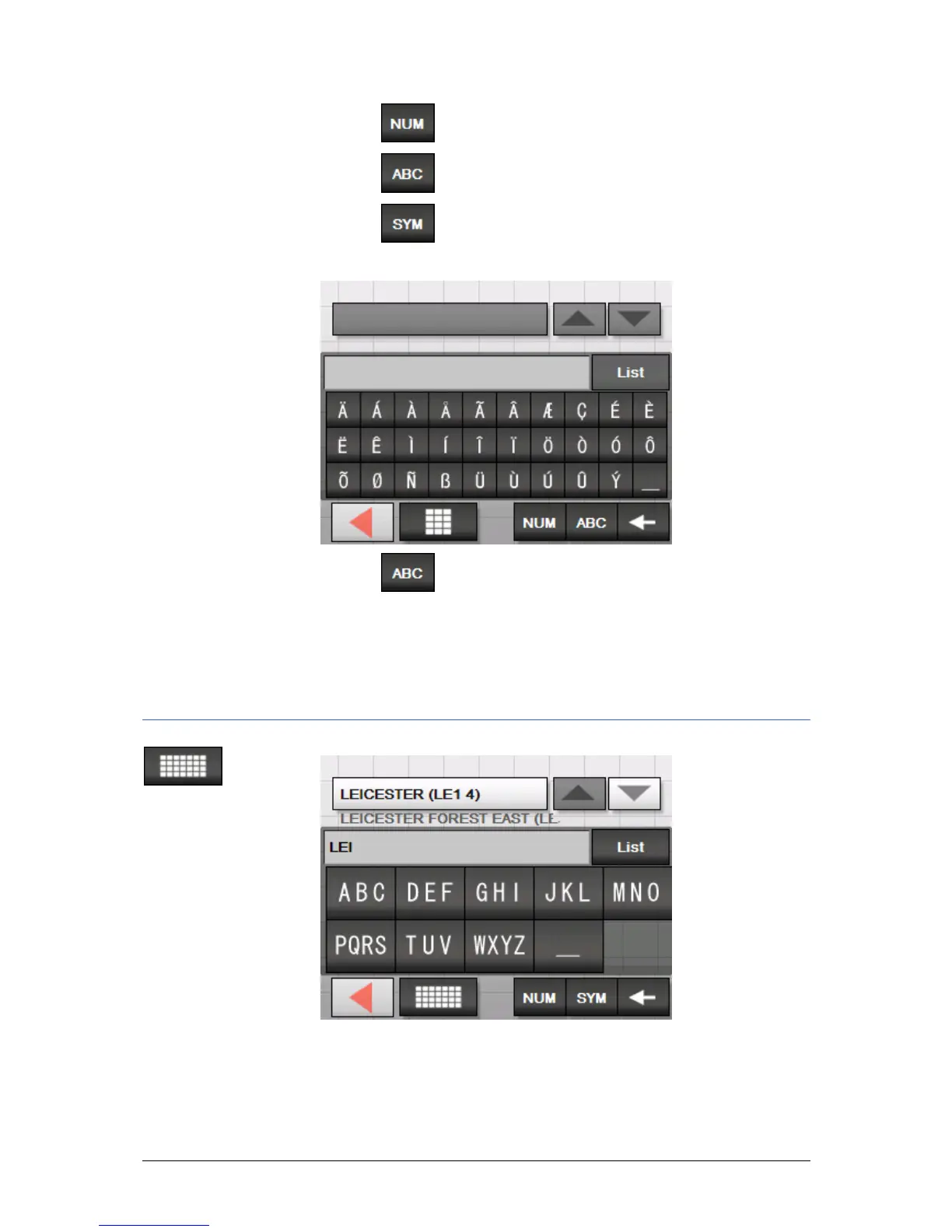
- 10 - Software keyboard
Switching between
character and
number entry…
Tap the
icon to enter numbers, e.g. for a postcode.
Tap the
icon to return to the character entry mode.
Special characters
Tap the
icon to enter a special character.
The special characters keyboard appears.
Tap the
icon to return to the character entry mode.
You need not enter special characters when entering a
destination's town or street name but they may be helpful for
entering names for saved destinations and itineraries.
Mobile phone keyboard



 To Next Page