User's manual Sony Personal Navigation System
Navigation - 25 -
Basic settings
Basic settings Before working with the Sony Personal Navigation System,
we recommend
Ù indicating the time zone of the region you are staying in
currently so that the system can indicate correct times of
arrival in navigation mode,
Ù entering the home address. You may then navigate home
from anywhere.
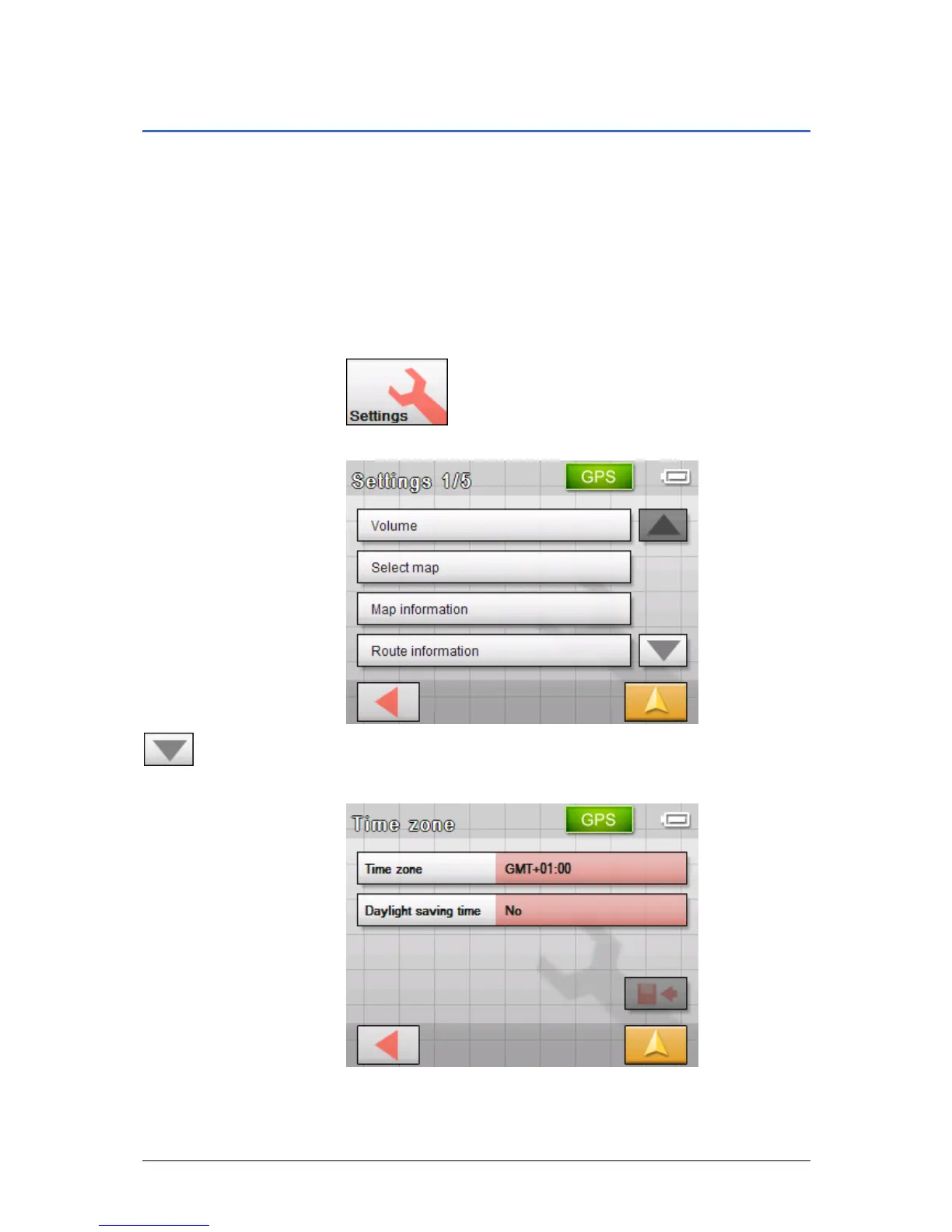
1. In the M
ENU, tap Settings.
The S
ETTINGS screen opens.
2. Tap the Down button until you see the screen page with the
Time zone button. Then tap on Time zone.
Indicate the time
zone…
The T
IME ZONE screen opens.
3. Tap into the Time zone entry filed.



 To Next Page