User's manual Sony Personal Navigation System
- 74 - Show the entire route
Survey The following functions are available during navigation or after
calculating a planned route:
Show the entire route
Overview During navigation you always see only a part of the route on the
screen. You can however display the entire route in order to gain
a general overview.
The map is open in the S
TANDARD view.
1. Tap anywhere on the map.
The M
ENU opens.
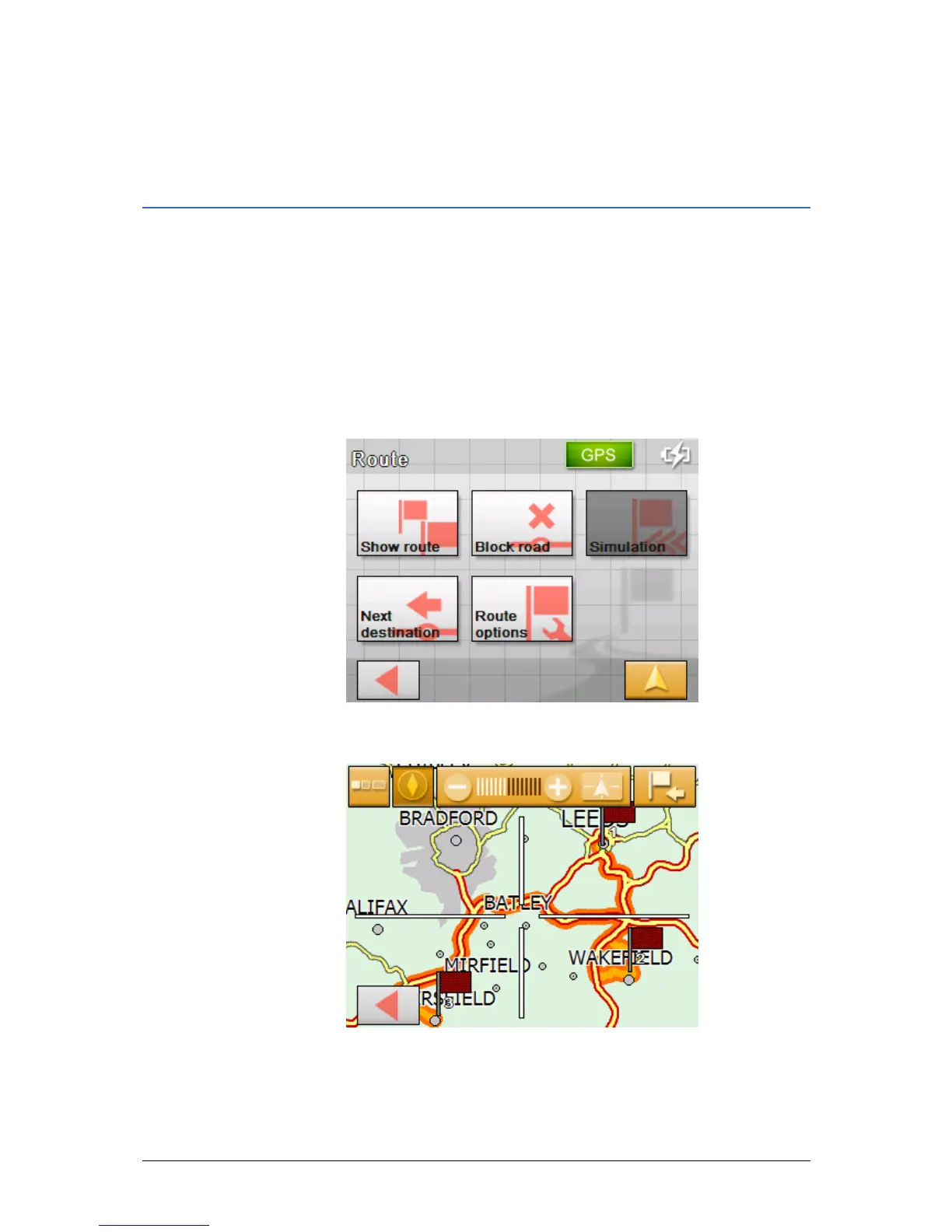
2. Tap on the Route button.
The R
OUTE screen opens.
3. Tap on the Show Route button.
The map opens in the S
EARCH FOR DESTINATION view.
The route is highlighted in orange. The destination (in the
case of a planned route, also the stage points) is labelled with
a little flag.



 To Next Page