User's manual Sony Personal Navigation System
- 46 - Destination management
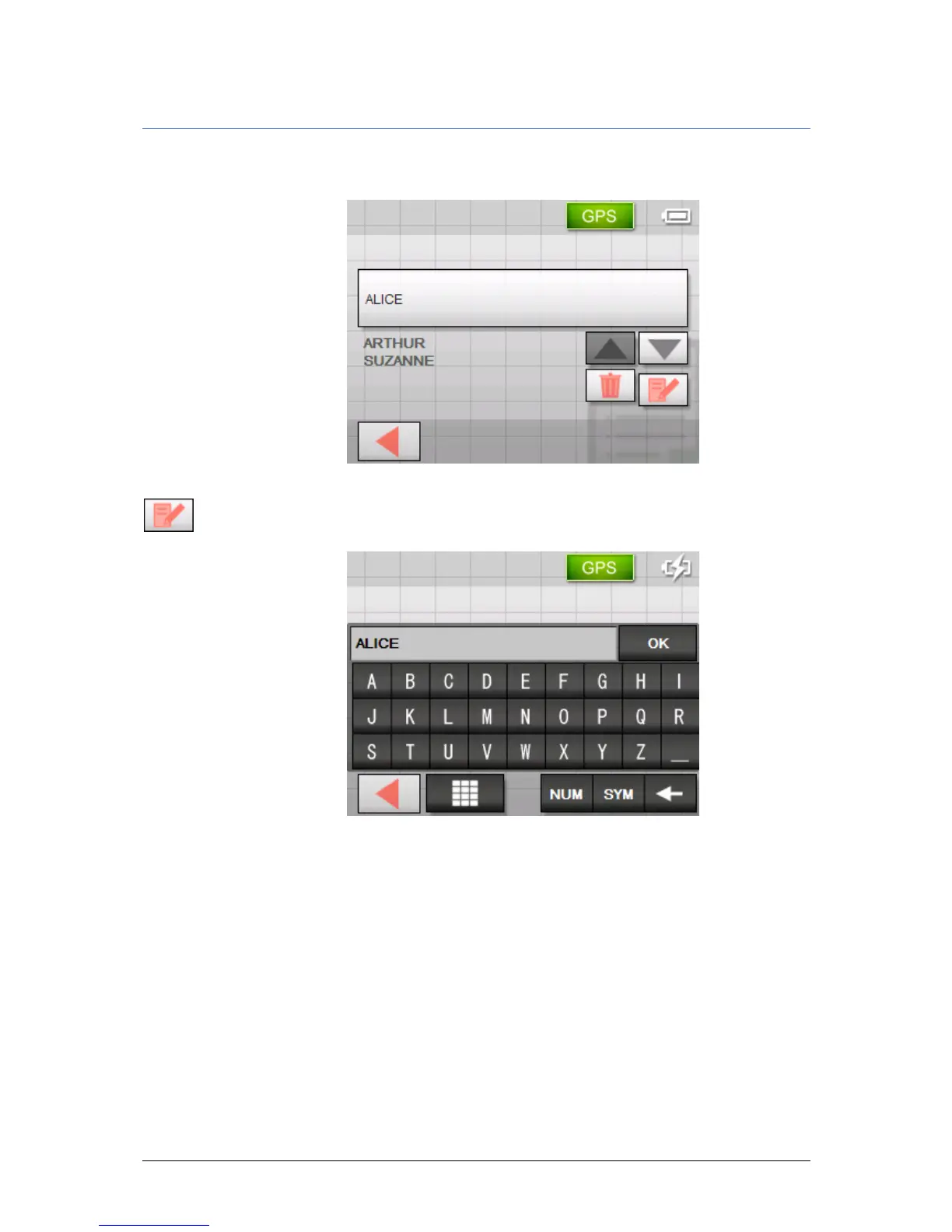
Renaming a destination
1. Open the FAVOURITES screen, as described in chapter
"
Favourites" on page42.
2. Select the destination you want to rename.
3. Tap the Edit icon.
The N
AME OF DESTINATION screen opens.
4. Enter the new name of the destination.
5. Tap the OK button.
The destination is now renamed.



 To Next Page