User's manual Sony Personal Navigation System
Navigation - 45 -
Destination management
Survey Destinations may be stored in two lists:
Ù the F
AVOURITES
Ù the R
ECENT DESTINATIONS list
Every destination you are indicating and the destinations from
the R
ECENT DESTINATIONS list may be added to the FAVOURITES.
This makes sense if you want to navigate more often to the
respective destination.
Destinations from the F
AVOURITES may be renamed.
Items from both lists may be deleted.
Saving a destination
Precondition You have entered a destination as described in "Indicating a
destination", page
28
- OR –
You have opened the R
ECENT DESTINATIONS list as described in
"
Recent destinations", page 43.
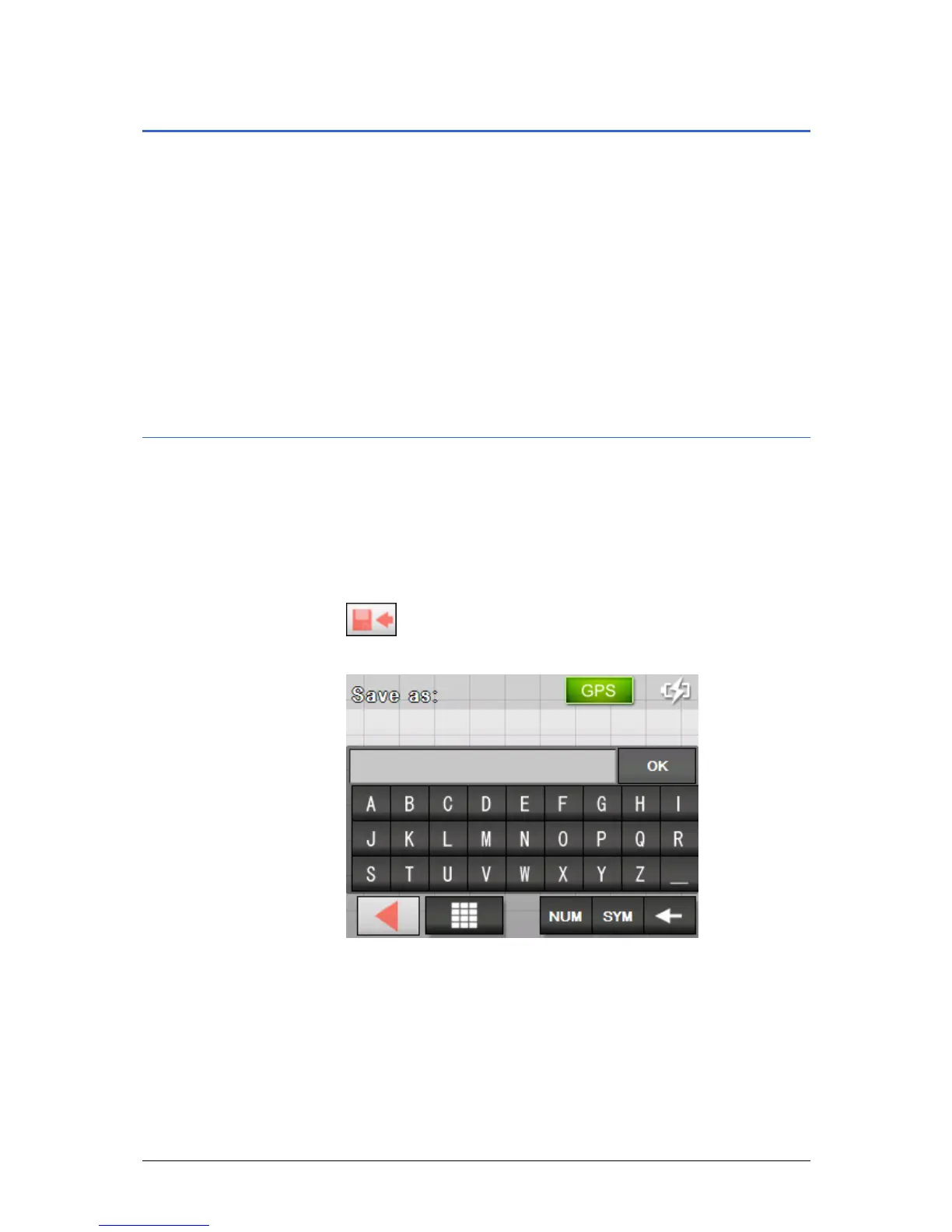
1. Tap the Save icon.
.
The N
AME OF DESTINATION screen opens.
2. Enter a name for the destination.
3. Tap the OK button.
The destination has now been added to the F
AVOURITES.



 To Next Page