User's manual Sony Personal Navigation System
- 48 - Indicating several destinations (Itinerary with stages)
Indicating route points
Planning itineraries…
1. On the MENU tap on the New destination button.
The N
EW DESTINATION screen opens.
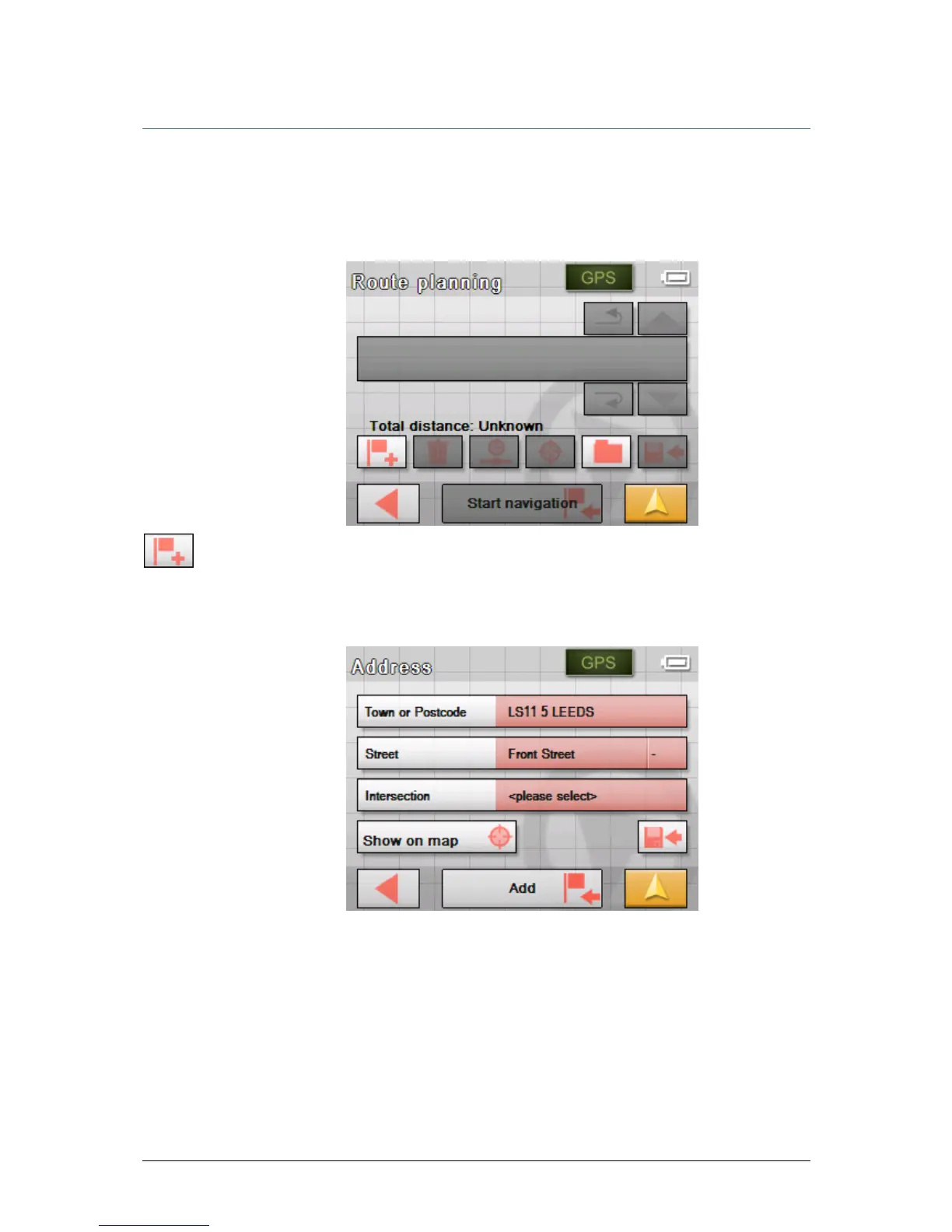
2. Tap on the Route planning button.
The R
OUTE PLANNING screen opens:
3. Tap the Add route point icon to enter the first route point.
The N
AVIGATION screen opens.
4. Indicate the destination as described in "
Indicating a
destination", page
28.
5. Tap Add.



 To Next Page