User's manual Sony Personal Navigation System
Navigation - 47 -
Deleting a destination
Precondition You have opened the FAVOURITES as described in "Favourites",
page
42
- OR –
You have opened the R
ECENT DESTINATIONS list as described in
"
Recent destinations", page 43.
1. Tap the entry of the destination to be deleted.
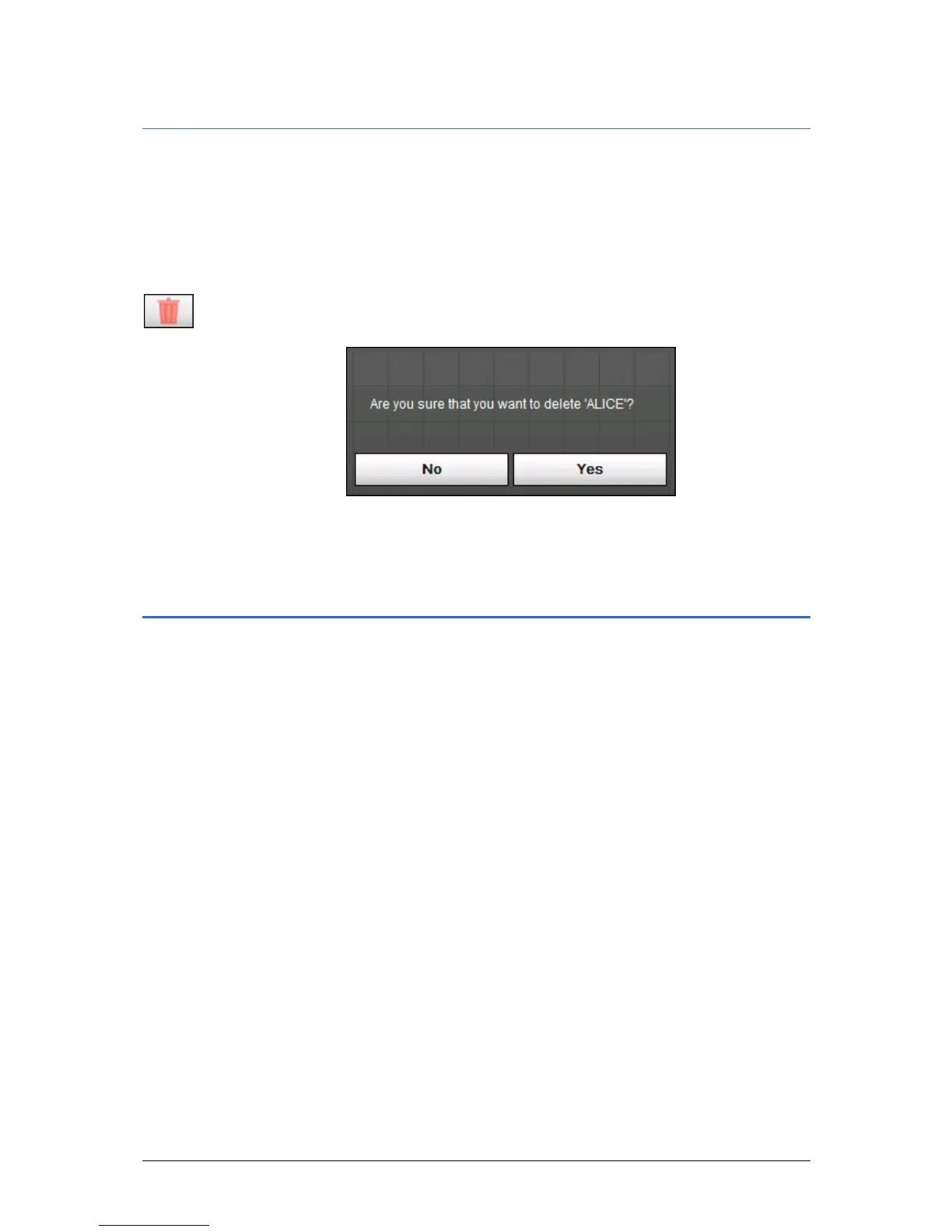
2. Tap the Delete icon.
The C
ONFIRM screen opens.
3. Tap Yes to delete the destination from the list.
The destination is now deleted from the list.
Indicating several destinations (Itinerary with stages)
Itinerary planning You may plan itineraries without receiving GPS-signals, e.g.
comfortably at home. Planned itineraries may be stored. Thus
you may plan as many itineraries as you want, e.g. for holidays.



 To Next Page