User's manual Sony Personal Navigation System
- 84 - Settings
Settings
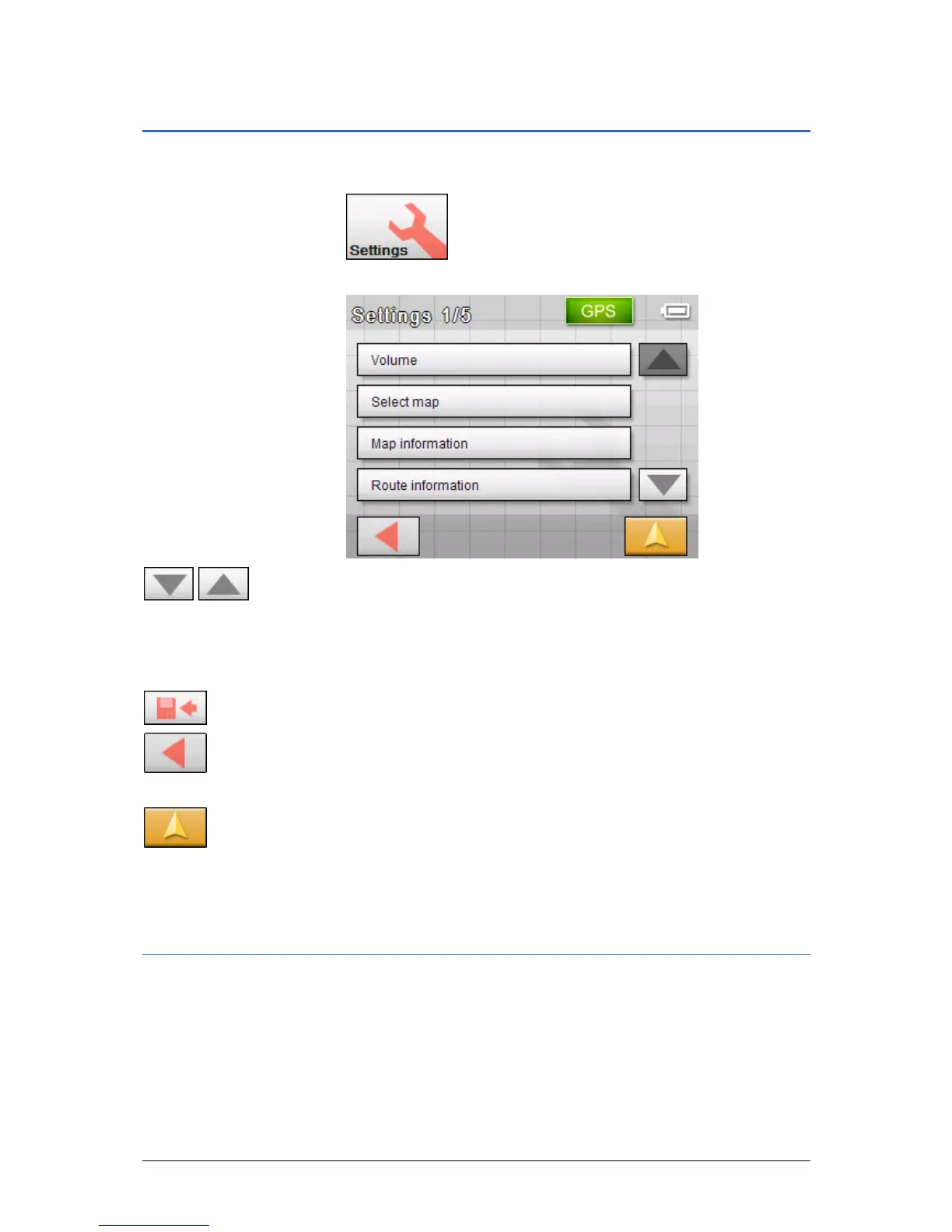
1. On the MENU, tap on the Settings button.
The S
ETTINGS screen opens.
2. Use the Down and Up buttons to open the screen page that
has the settings you wish to edit.
3. Tap on the button for the respective setting.
The screen opens.
4. Carry out the required changes.
5. Tap on the Save button to enable these changes.
6. Tap on the Back button in order to open the settings screen
again.
- OR -
Tap on the Map view button to open the map in standard
view.
The following describes the individual settings screens.
Volume
Volume On the VOLUME screen, modify the volume of the spoken
indications of the navigation system.
Tap the Volume field and select another value.



 To Next Page