User's manual Sony Personal Navigation System
Navigation - 43 -
6. Tap on the select button with the marked destination.
Once you have chosen a destination for the navigation, the
R
OUTE OPTIONS screen opens.
When you have selected a route point for a route planning,
the R
OUTE PLANNING screen opens. The destination is entered
as a route point.
For information on deleting or renaming saved destinations,
please refer to "
Destination management", page 45.
Recent destinations
Survey All destinations you have navigated to recently are listed on the
R
ECENT DESTINATIONS screen. On this screen you may:
Ù select destinations for navigation purposes,
Ù Add destinations to the S
AVED DESTINATIONS list, and
Ù delete destinations from the R
ECENT DESTINATIONS list.
1. In the M
ENU, tap on the New destination button.
The N
EW DESTINATION screen opens.
2. Tap on the Navigation button.
The N
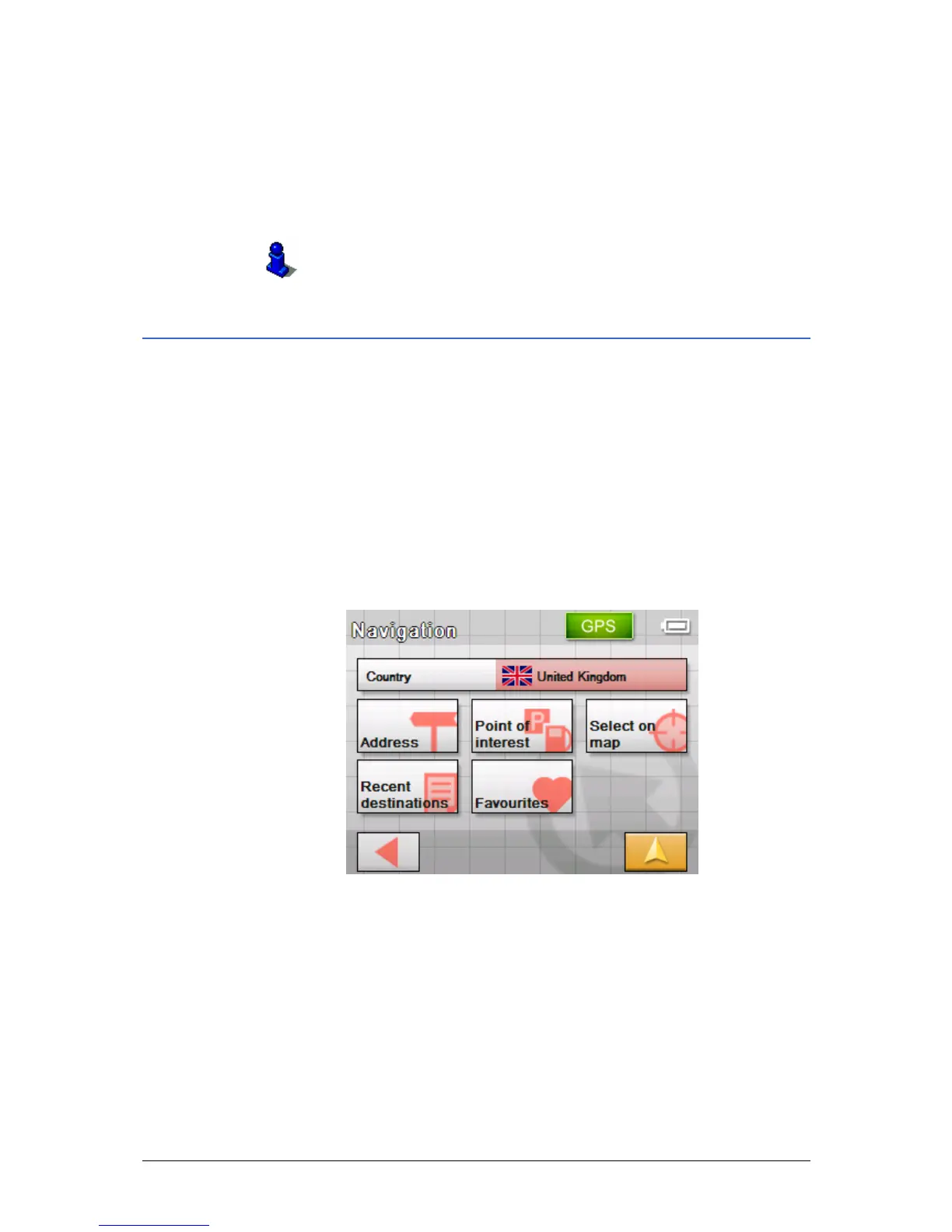
AVIGATION screen opens.
3. On the N
AVIGATION screen, tap Recent destinations.



 To Next Page