User's manual Sony Personal Navigation System
- 42 - Indicating a destination
Favourites
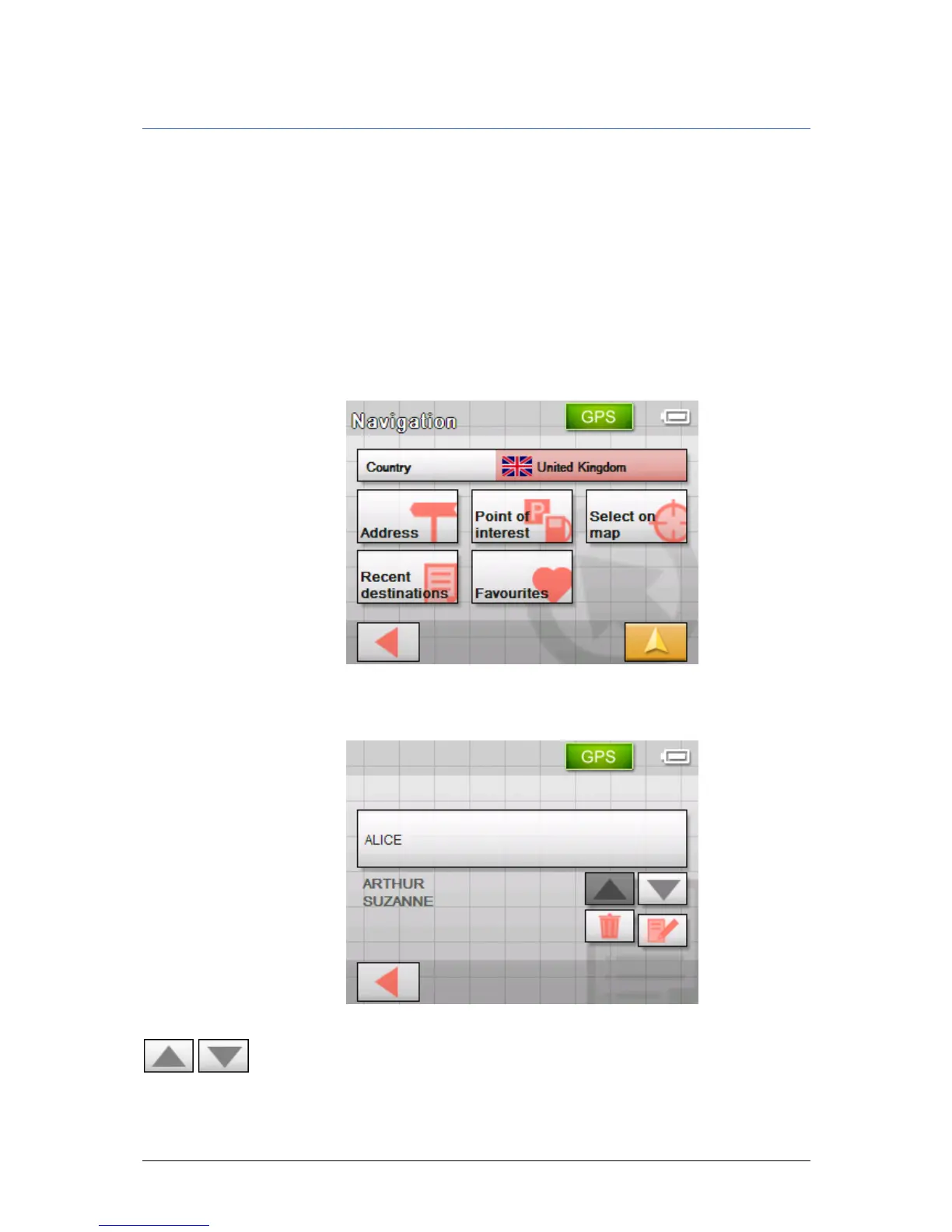
Survey All destinations you have saved by tapping the Save button are
listed on the F
AVOURITES screen. On this screen you may:
Ù select destinations for navigation purposes,
Ù rename destinations, and
Ù delete destinations from the list.
1. In the M
ENU, tap on the New destination button.
The N
EW DESTINATION screen opens.
2. Tap on the Navigation button.
The N
AVIGATION screen opens.
3. On the N
AVIGATION screen, tap Favourites.
Saved destinations The F
AVOURITES screen opens.
4. Tap the entry of the respective destination.
5. Use the Up and Down buttons to select the desired location.
The selected location appears on the select button.



 To Next Page