User's manual Sony Personal Navigation System
Navigation - 57 -
Displaying the itinerary on the map
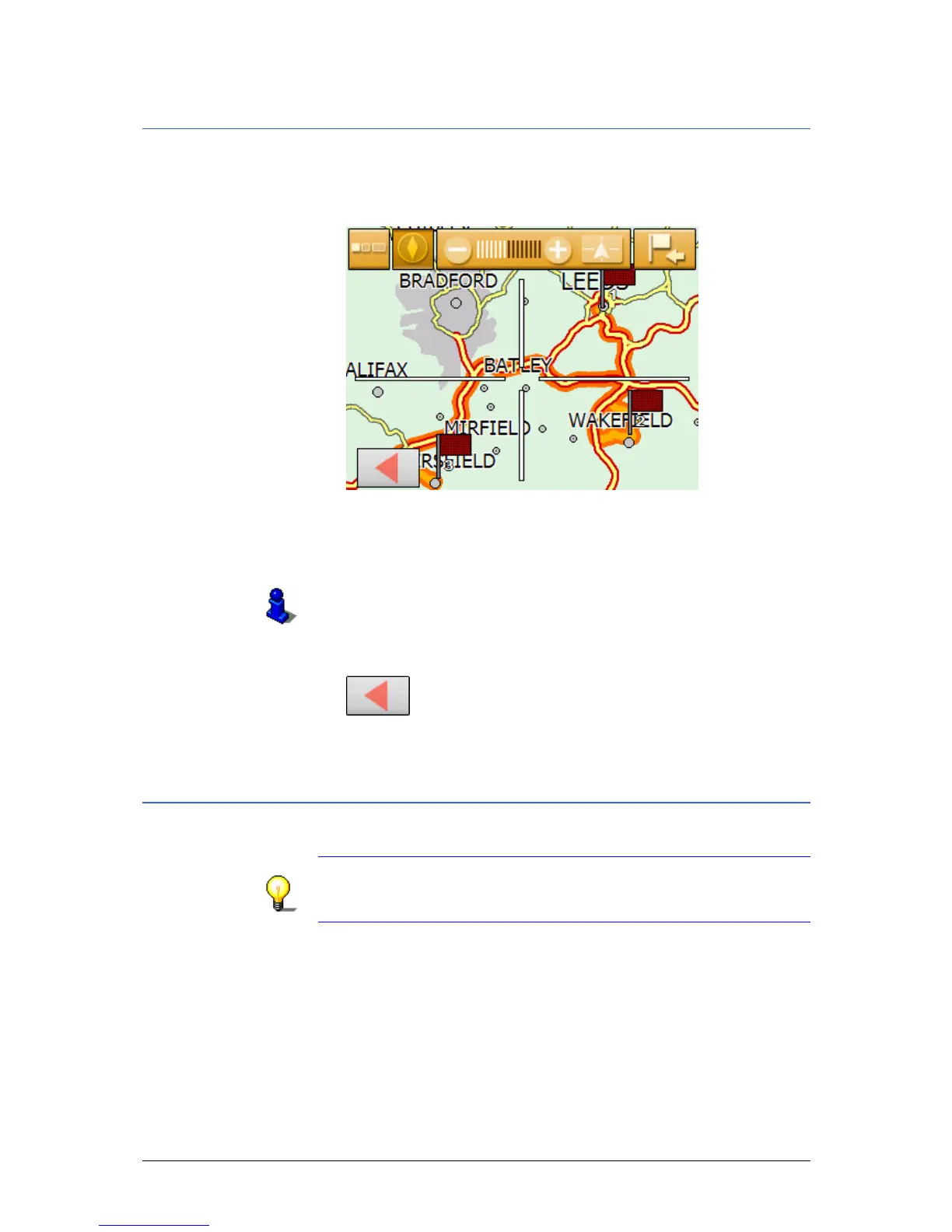
Show itinerary 1. Tap the Show on map button to display the entire itinerary
on the map.
The map opens in S
EARCH FOR DESTINATION mode.
The itinerary is highlighted in orange.
The route points are marked by flags.
In S
EARCH FOR DESTINATION mode you can also add a
destination to the route. For more information, read chapter
"
Indicating destinations on the map" on page 38.
For information on working with maps, please refer to
"
Working with the map", page 63.
2. Tap on the
Back
button to return to the R
OUTE PLANNING screen.
Simulating the route
Simulation You may execute a simulated navigation.
Note: The reception of GPS-signals is not necessary for the
simulation.
Simulation is restricted to routes of 60 miles max.
Precondition Ù You have planned or loaded a route as described in
"
Indicating several destinations (Itinerary with stages)" on
page
47.
Ù The route must be calculated as described in "
Calculating the
route" on page
55.



 To Next Page