User's manual Sony Personal Navigation System
- 16 - Command buttons
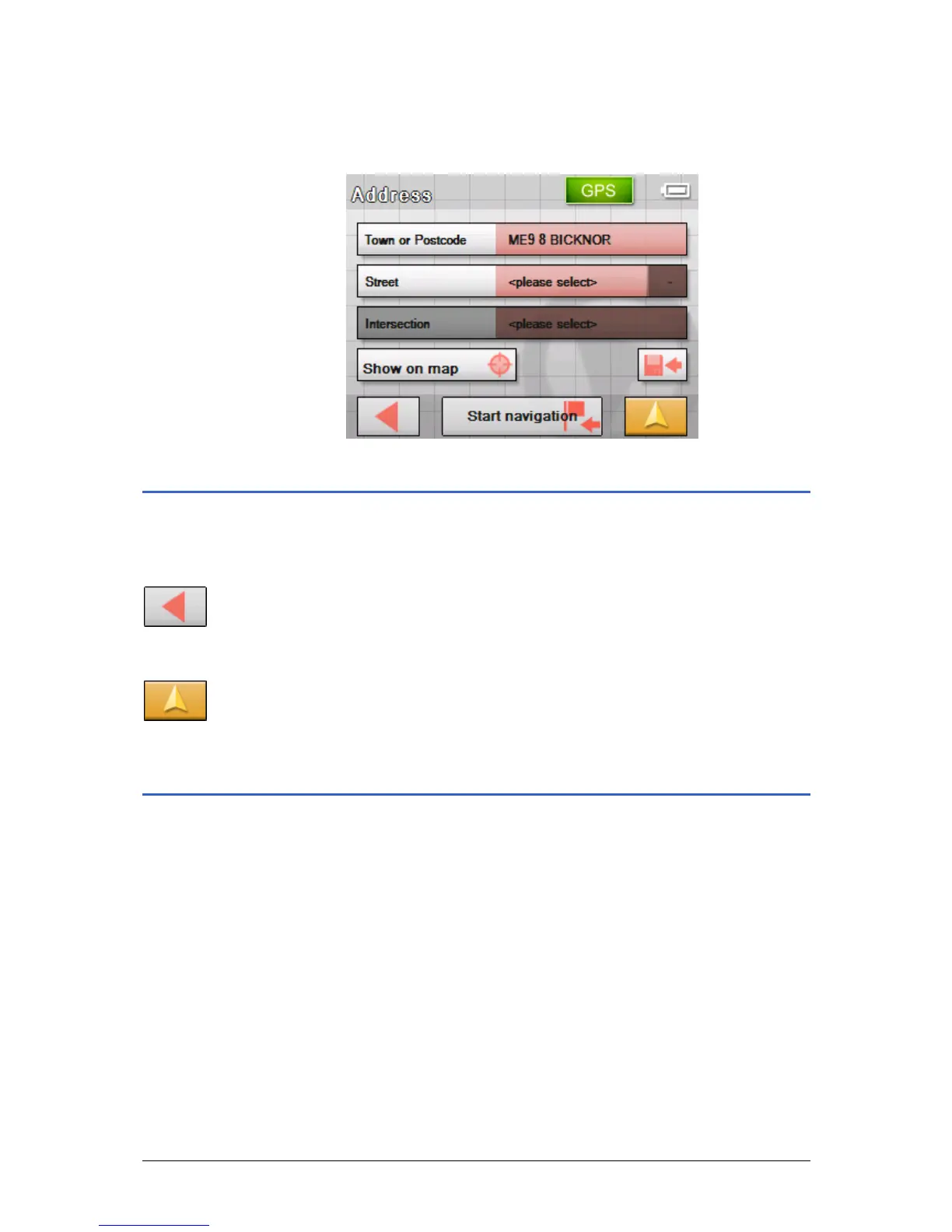
9. Tap on BICKNOR.
The A
DDRESS screen opens. BICKNOR is entered in the Town
or Postcode field.
Command buttons
Icons Most of the Sony Personal Navigation System screens have
the following buttons:
Return
Tap this icon to return to the previous screen.
You can use this icon to stop navigation.
Map view
Tap on this button to return to the standard map view. From
there you can open the M
ENU by tapping on any point in the map.
Information
Survey On virtually all the Sony Personal Navigation System screens
you will find the GPS and TMC buttons. You can use these to
display the current GPS status and the current traffic information
at any time.



 To Next Page