User's manual Sony Personal Navigation System
Navigation - 27 -
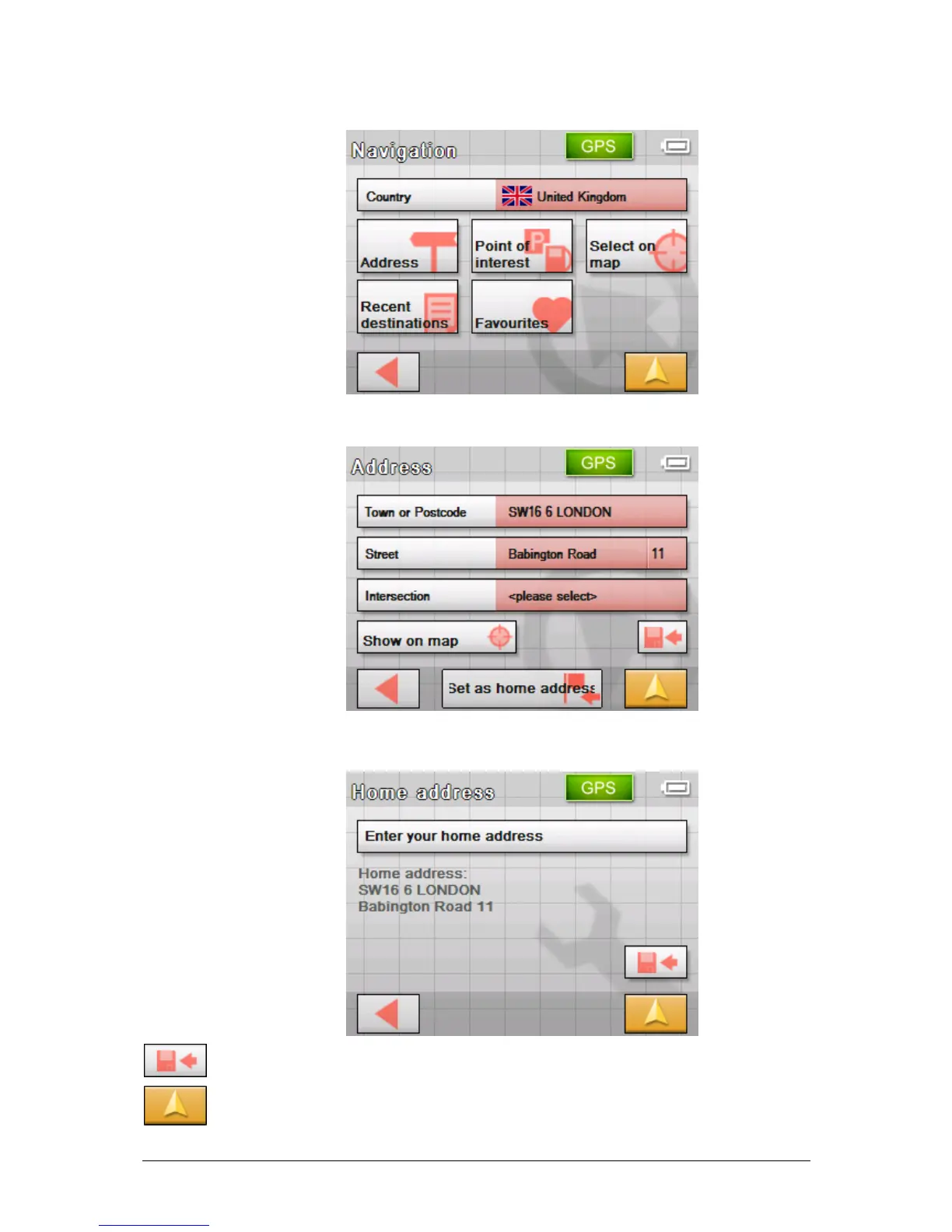
The NAVIGATION screen opens.
11. Tap the Address button and enter your home address as
described in "
Entering an address", page 29.
12. Tap the Set as home address button.
The address is indicated on the H
OME ADDRESS screen.
13. Tap the Save button.
14. Tap on the Map view button.
The standard map view opens.



 To Next Page