User's manual Sony Personal Navigation System
- 34 - Indicating a destination
Selecting a Point of
interest in a certain
town…
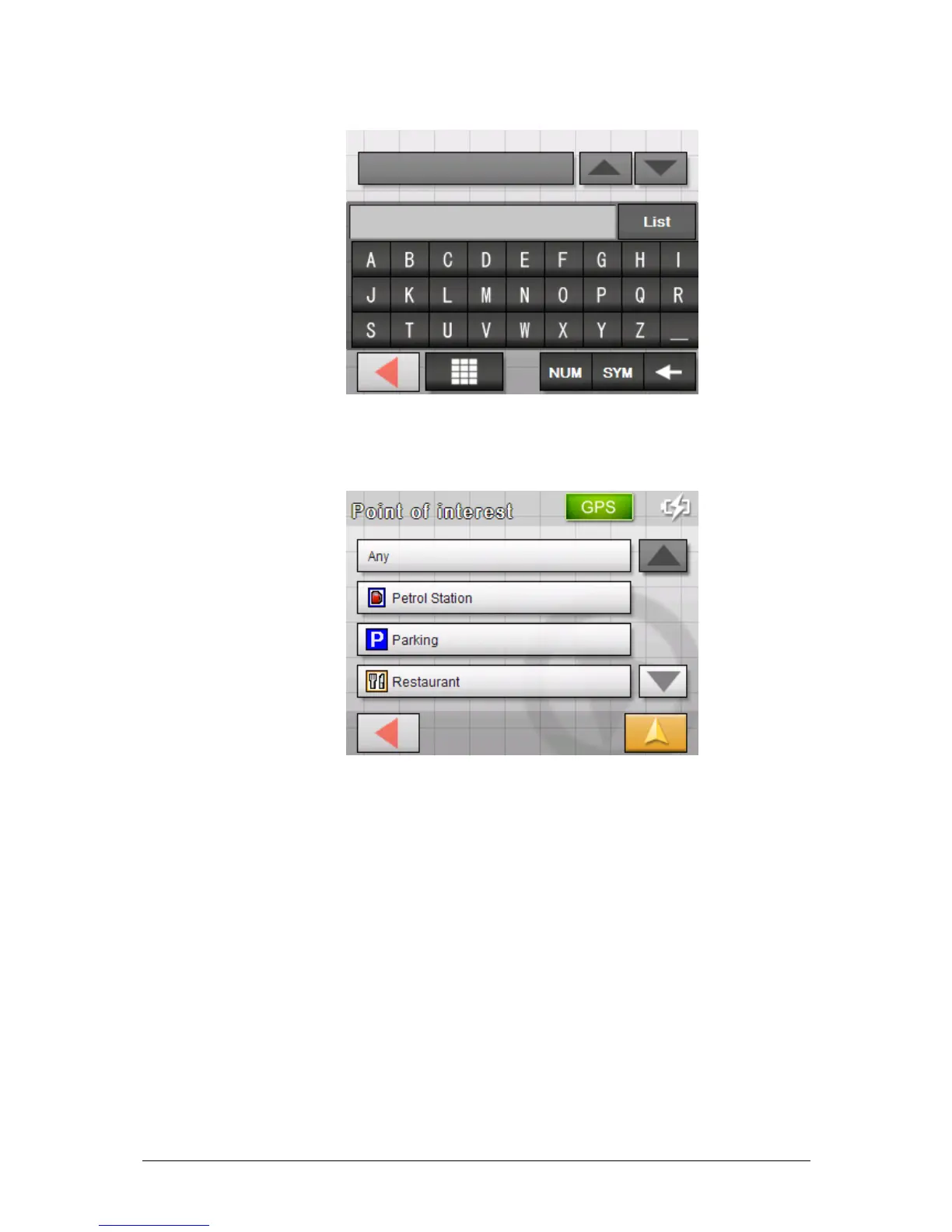
The screen for inputting the town opens:
5. Enter the town in which a point of interest should be
searched. You can either enter the postcode or the name of
the town.
The C
ATEGORY screen opens.
6. Select the category (e.g. Garage) from which points of
interest should be searched. Only those categories for which
points of interest can be found in the specified area will be
shown.



 To Next Page