40
GB
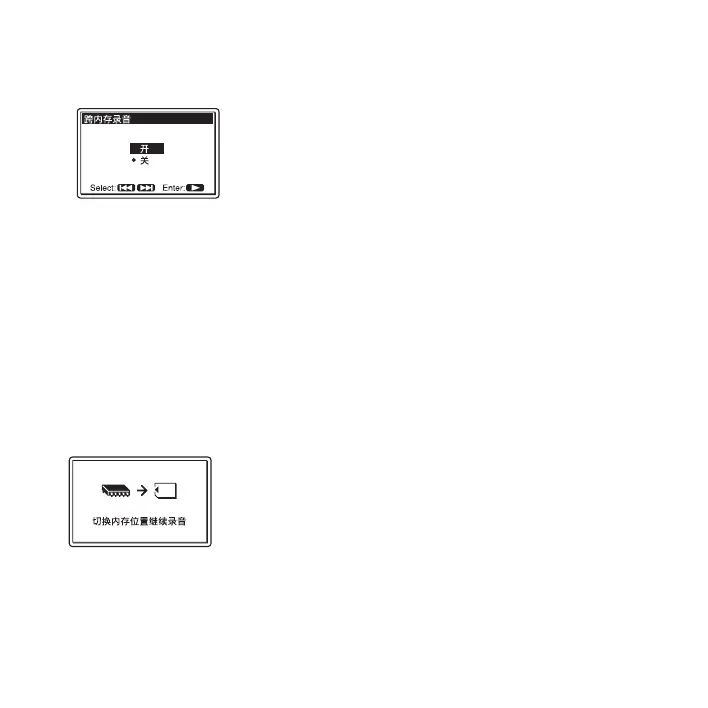
4 Press > FF/ v or . FR/ V to select
“ 开 ,” and then press
N PLAY/ENTER.
5 Press x STOP to exit the menu mode.
To cancel 跨内存录音
Select “ 关 ” in step 4.
When the current memory media
becomes full during recording
The following message appears on the
display window. Recording continues as a
new track in a recordable folder of the
smallest folder number available for the
other memory media.
A new track is created with a new file
name.
When the recording stops, the PCM
recorder stops at the beginning of the new
track.
P Notes
• If the other memory media is also full, a
message is displayed and the PCM recorder
stops recording.
• When you play back the original track
recorded with 跨内存录音 , the PCM
recorder does not play the succeeding track
automatically.
• Before attempting 跨内存录音, check to see
if the memory card is detected in the “内存”
menu in advance (page 38).



 To Next Page