53
GB
Other Playback Operations
Playing back a track repeatedly
During playback, press and hold N PLAY/
ENTER until “ 1” appears. The selected
track will be played back repeatedly.
To resume normal playback, press
N PLAY/ENTER again.
Playing back a specified section
repeatedly – A-B Repeat
1 During playback, press (repeat) A-B
to specify the starting point A.
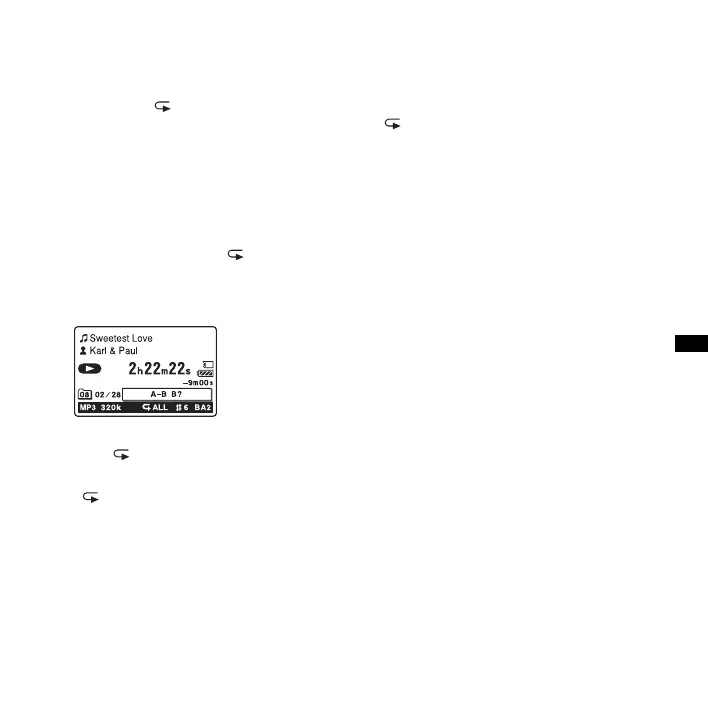
“A-B B?” is displayed.
2 Press (repeat) A-B again to specify
the finishing point B.
“ A-B” is displayed and the specified
section is played back repeatedly.
Other operations
• To resume normal playback:
Press
N PLAY/ENTER.
• To stop A-B Repeat playback:
Press
x STOP.
• To change the segment specified for A-B
Repeat playback:
During A-B Repeat playback, press
(repeat) A-B again to specify a new
starting point A. Then specify a new
finishing point B, as in step 2.



 To Next Page