PRS-505.GB.3-277-508-11(1)
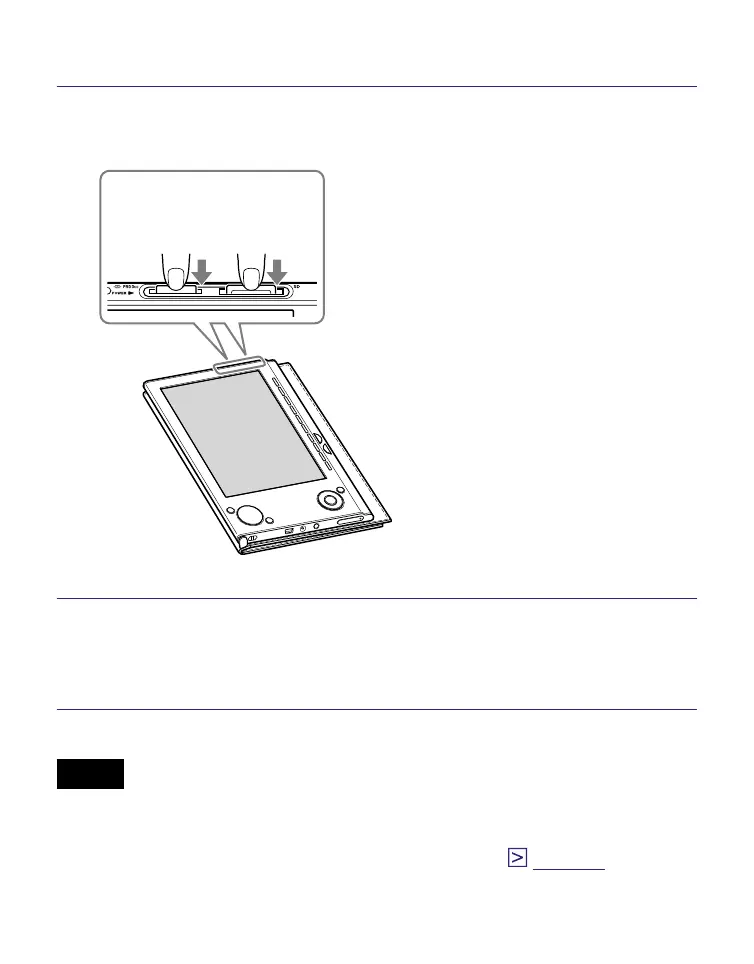
Removing a memory card from the Reader
Gently push in the memory card.
You will hear a click, and the memory card pops out.
“Memory
Stick Duo”
SD Memory
Card
Remove the memory card squarely from the
“Memory Stick Duo” slot or the SD Memory Card
slot.
Notes
• Do not remove a memory card or turn off the Reader while reading
or writing data, as data may be damaged.
• For details on handling memory cards, refer to
page 89
.
22















 To Next Page