PRS-505.GB.3-277-508-11(1)
Troubleshooting
Troubleshooting
If the Reader does not function as expected, try the
following steps to resolve the issue.
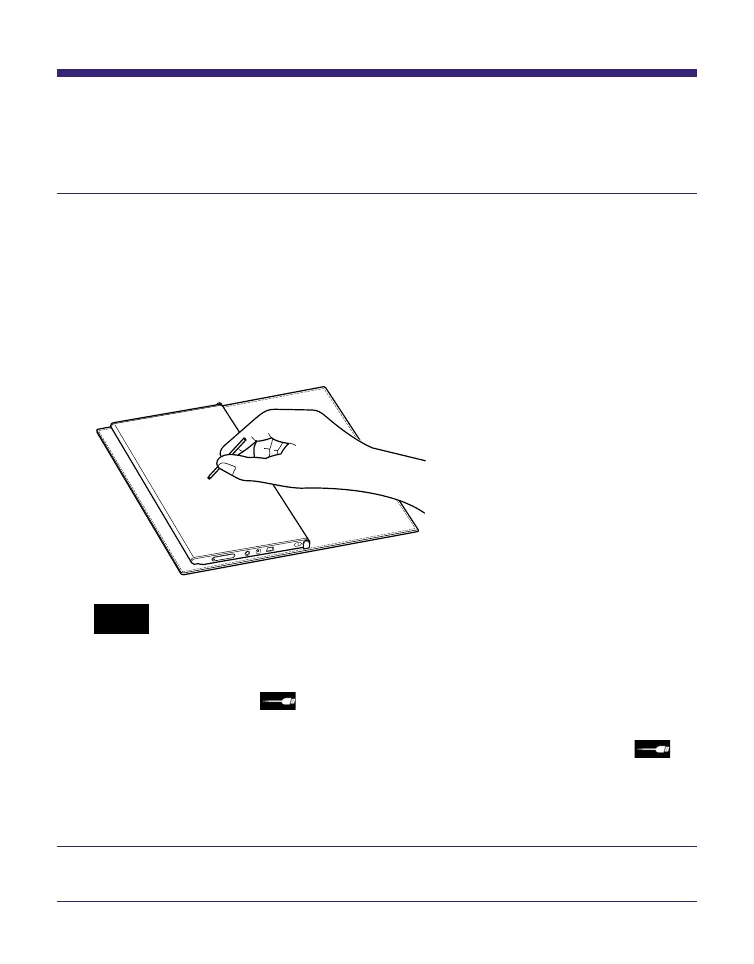
Reset the Reader by pressing the Reset button with
a small pin or clip.
The content and settings stored on the Reader are not
affected by resetting, and no information is erased.
After pressing the Reset button, turn on the Reader by
sliding the POWER switch.
Note
• When you connect the Reader to your computer after a reset, it is
necessary to turn on the Reader again. Otherwise, it takes about
40 minutes until (indicating connection via USB) is displayed,
and you will not be able to turn on the Reader by the POWER
switch during this time. The indicator lights up in red while is
not displayed, and the Reader is charged. In this case,
disconnect the USB cable from the Reader, then turn on the
Reader and reconnect it.
Check the symptoms in “Troubleshooting.”
Continued
72















 To Next Page