PRS-505.GB.3-277-508-11(1)
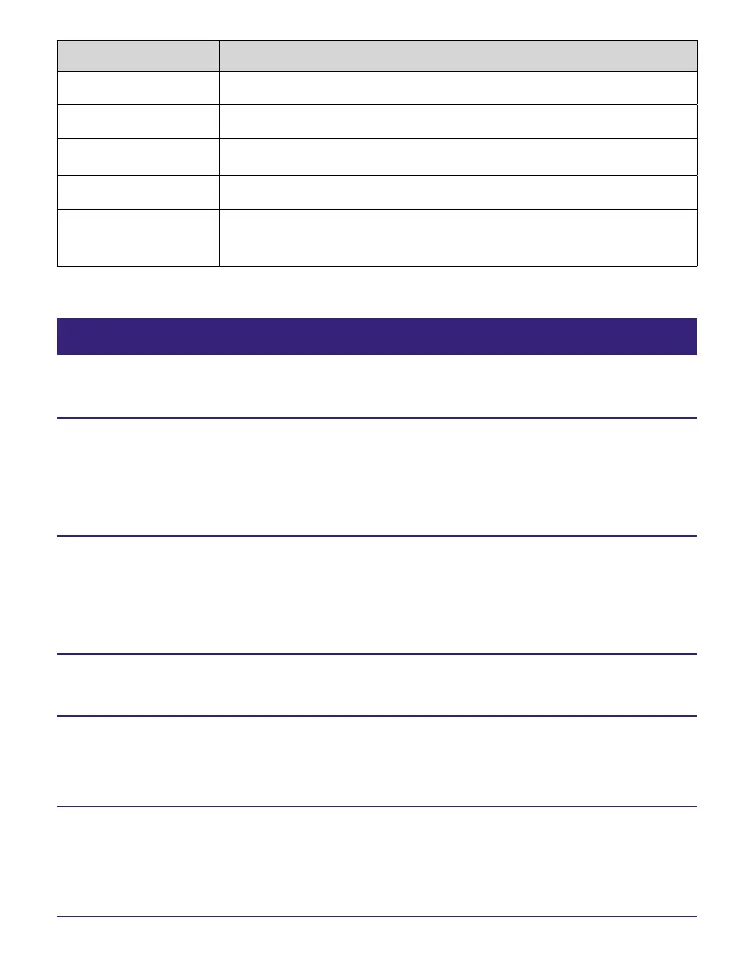
Button Operation
> button
To skip to the next track.
< button To skip to the previous track.
/
To rewind/fast-forward the track.
Enter button To stop/restart playing the track.
VOLUME +/–
buttons
To adjust the volume.
Reading books while playing an audio file
You can read books while listening to an audio file.
In the Home menu, press / to select “Audio,” then
press Enter.
The Audio list appears.
Press / to select the desired track from the list,
then press Enter.
Playback starts.
Press MENU 2 times to return to the Home menu.
Press / to select “Books by Title,” then press Enter.
The Book list appears.
Press / to select the desired book from the list,
then press Enter.
The Option menu appears.
Continued
57





 To Next Page